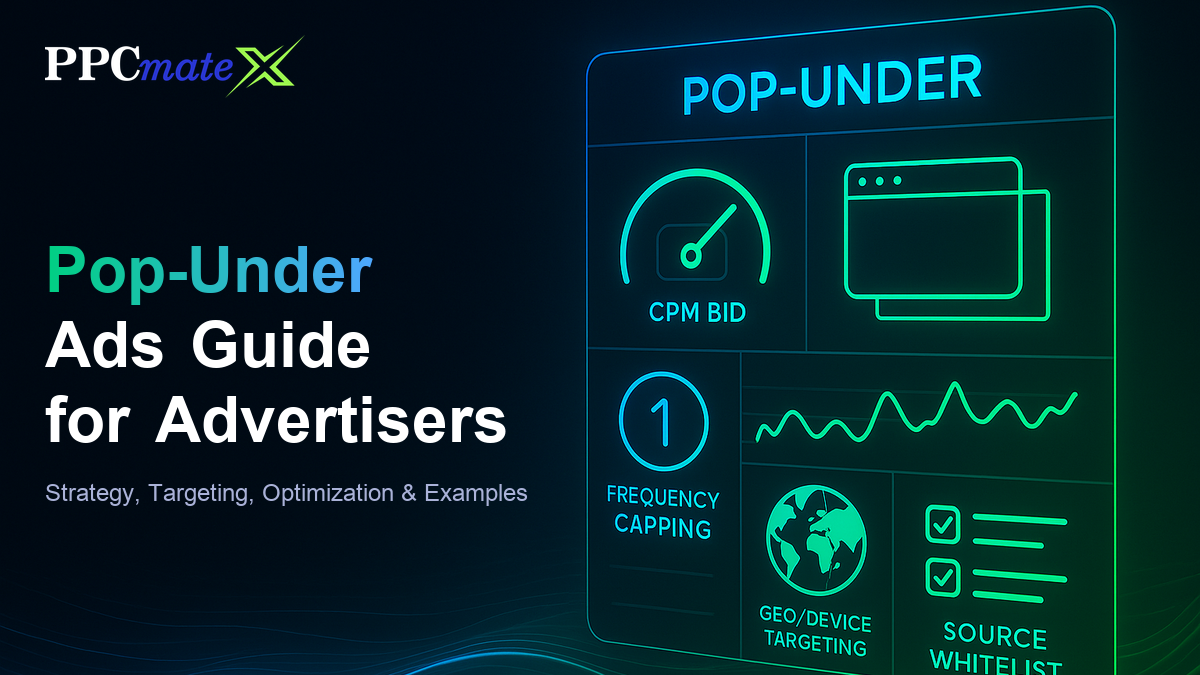
Pop-Under Ads Guide for Advertisers: Strategy, Targeting, Optimization & Examples
Pop-under ads open behind the page a visitor is already reading, so the ad waits until they close or minimize the active window instead of interrupting the content in front of them. That single mechanical difference makes pop-under one of the cheapest ways to reach large volumes of engaged traffic, but it also means results depend heavily on how the campaign is targeted and capped.
This guide covers how pop-under ads actually work, how to set up targeting and frequency controls, a practical approach to CPM bidding, and the mistakes that quietly cap performance on pop-under campaigns.
What Pop-Under Ads Are
A pop-under is a full browser window or tab that opens beneath the page a visitor is currently viewing. Unlike a pop-up, it does not appear on top of the active window and interrupt the visitor immediately — it stays hidden until they close, minimize, or switch away from their current tab. By the time they see it, they have already finished the action that brought them to the original page, which is why pop-under tends to produce less immediate friction than a pop-up interruption.
Pop-under inventory is typically bought at scale for offers that convert on a single, fast decision, such as:
- Sweepstakes, giveaways, and subscription trials
- Utility and software downloads
- Dating and casual gaming offers
- E-commerce flash offers and coupon-driven traffic
How Pop-Under Ads Work
A publisher places a small script on their page that triggers on a user action, most often the first click anywhere on the page. That trigger fires a request into the ad exchange, an auction runs in real time through a real-time bidding platform, and the winning advertiser’s landing page opens in a new window positioned behind the current one. The visitor keeps reading or browsing uninterrupted, and finds the pop-under only once they close or switch out of their original tab.
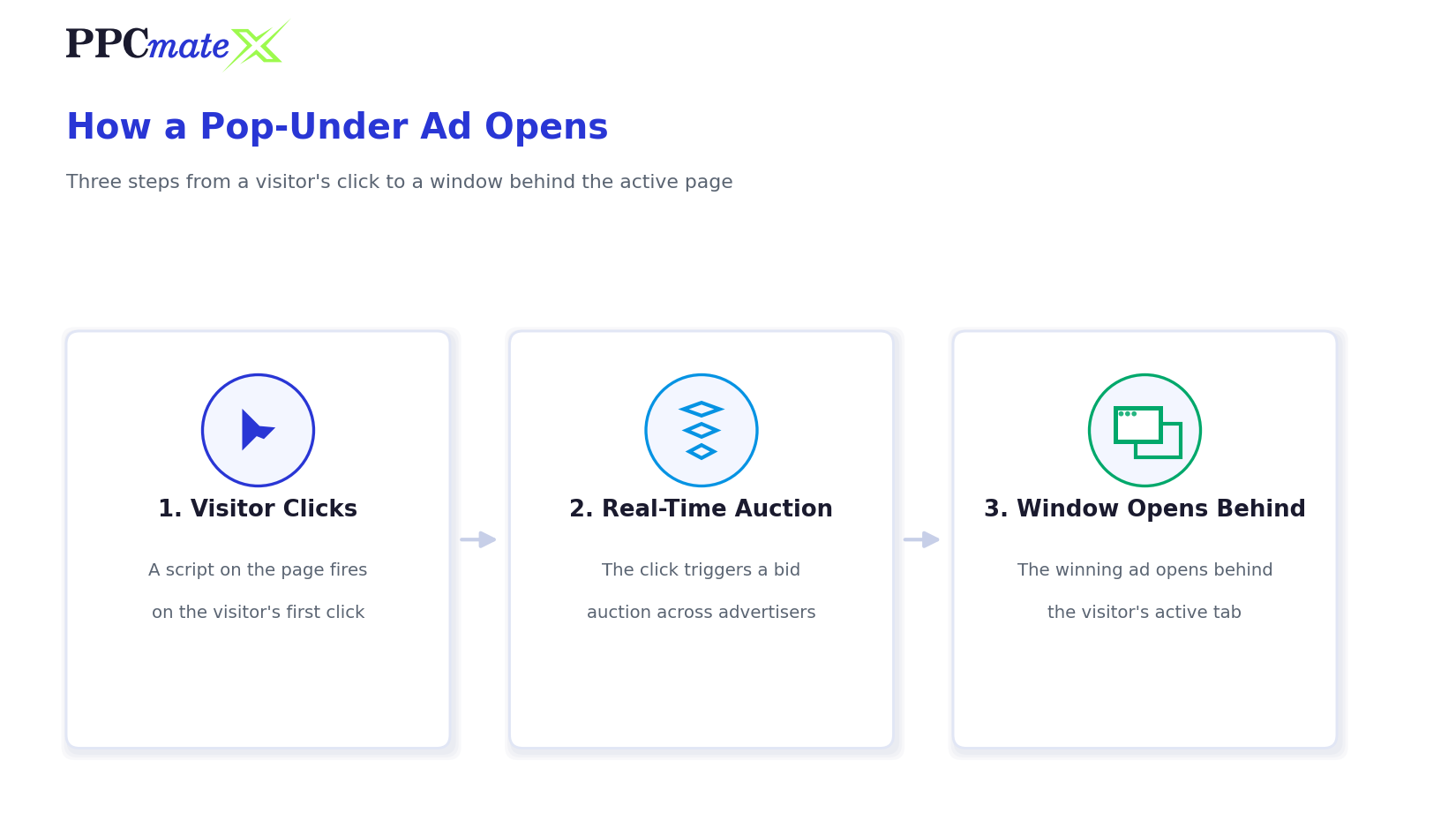
Because the trigger fires on a page action rather than on page load, pop-under volume scales directly with a publisher’s traffic and engagement, which is part of why it remains one of the higher-volume formats available through a programmatic DSP.
Targeting Pop-Under Campaigns
Pop-under’s low cost per impression makes it easy to overspend on the wrong traffic if targeting is left broad. A layered setup keeps volume high without wasting budget.
Step-by-Step Pop-Under Targeting Setup
- Set geo and language first
Pop-under volume is high almost everywhere, so start by narrowing to the countries and languages where the offer actually converts. - Choose device and OS
Mobile pop-under behaves differently from desktop — confirm the landing page loads fast and displays correctly on the device types being targeted. - Apply frequency capping
Cap impressions per user per day early. Pop-under is easy to over-serve on repeat visitors, which burns budget without adding new conversions. - Build a source whitelist
Pop-under exchanges include a wide mix of publisher quality — whitelist sources that show real post-click conversion, not just traffic volume. - Set time-of-day and day-of-week targeting
Match delivery windows to when the offer’s conversion rate is actually highest, based on early campaign data. - Layer in retargeting where the platform supports it
Visitors who already saw the offer once respond differently on a second exposure — treat that segment separately from cold traffic.
Pop-Under Bidding and Optimization
Pop-under inventory is bought almost exclusively on a CPM basis, since the ad is served as a full window impression rather than a per-click unit.
- Start CPM bids in the middle of the platform’s suggested range on new campaigns — bidding at the floor usually means losing the more engaged inventory in the auction
- Let a new campaign run for 24–48 hours before making major bid changes, so delivery data has time to stabilize
- Raise bids only on sources with confirmed post-click conversions, not on raw impression volume
- Cut or pause sources that deliver high impression counts but no downstream conversions within the first few days
- Re-check frequency caps weekly — a cap that worked at launch volume can start over-serving as a campaign scales
Pop-Under vs Pop-Up: What’s the Difference
The two terms are often used interchangeably, but they describe different ad behaviors with different visitor experiences and different performance profiles.
| Focus Area | Pop-Under Ads | Pop-Up Ads |
| Window position | Opens behind the active window | Opens on top of the active window |
| Visitor interruption | Seen only after the visitor closes or switches tabs | Seen immediately, interrupting the current page |
| Typical perception | Less intrusive, discovered later | More intrusive, blocked more aggressively by browsers |
| Common pricing model | CPM | CPM or CPC, depending on the network |
| Best suited for | High-volume, fast-decision offers | Time-sensitive prompts tied to on-page behavior, such as exit intent |
Most self-serve DSPs, including PPCmate, sell this inventory as pop-under specifically because the delayed, non-interrupting behavior holds up better against browser pop-up blockers than a traditional pop-up does.
Common Pop-Under Advertising Mistakes to Avoid
- Running with no frequency cap and burning budget on the same repeat visitors
- Leaving geo and device targeting broad instead of narrowing to where the offer actually converts
- Sending pop-under clicks to a slow-loading landing page — a delayed page load loses visitors who already had a passive, low-commitment path to the offer
- Judging sources on impression volume instead of post-click conversion, the same trap covered in how fake engagement distorts campaign performance
- Ignoring the difference between mobile and desktop landing experiences
- Scaling budget on a source before it has proven conversions, not just traffic
Ready to Run Pop-Under Campaigns With More Control?
PPCmate’s pop-under ads platform gives advertisers CPM bid control, frequency capping, and source-level reporting from one self-serve dashboard, so pop-under campaigns can be tested, capped, and scaled without guessing at traffic quality. Many advertisers run pop-under alongside push and native campaigns for full-funnel coverage — see how the formats compare directly if you’re deciding where to start.
FAQs
What is a pop-under ad?
A pop-under ad is a full browser window that opens behind the page a visitor is currently viewing, so it stays hidden until they close, minimize, or switch away from their active tab.
How is a pop-under different from a pop-up?
A pop-up opens on top of the active window and interrupts the visitor immediately, while a pop-under opens behind it and is only seen once the visitor closes or switches away from the current page.
How are pop-under ads priced?
Pop-under inventory is almost always bought on a CPM basis, since the ad is delivered as a full window impression rather than a clickable unit.
What triggers a pop-under to open?
A script on the publisher’s page fires on a user action, most commonly the first click anywhere on the page, which triggers a real-time auction and opens the winning advertiser’s page behind the current window.
Why does frequency capping matter so much for pop-under?
Pop-under is cheap and high-volume, so without a cap the same visitors get served repeatedly, which wastes budget on impressions that were never going to convert again.
What offers perform best with pop-under traffic?
Fast-decision offers such as sweepstakes, software downloads, subscription trials, and dating or casual gaming tend to perform well, since pop-under traffic responds better to a quick, low-commitment ask.
Can pop-under campaigns run alongside push or native ads?
Yes. Many advertisers run pop-under for high-volume, low-cost reach alongside push for fast top-of-funnel delivery and native for trust-building, covering different stages of the funnel from one media plan.