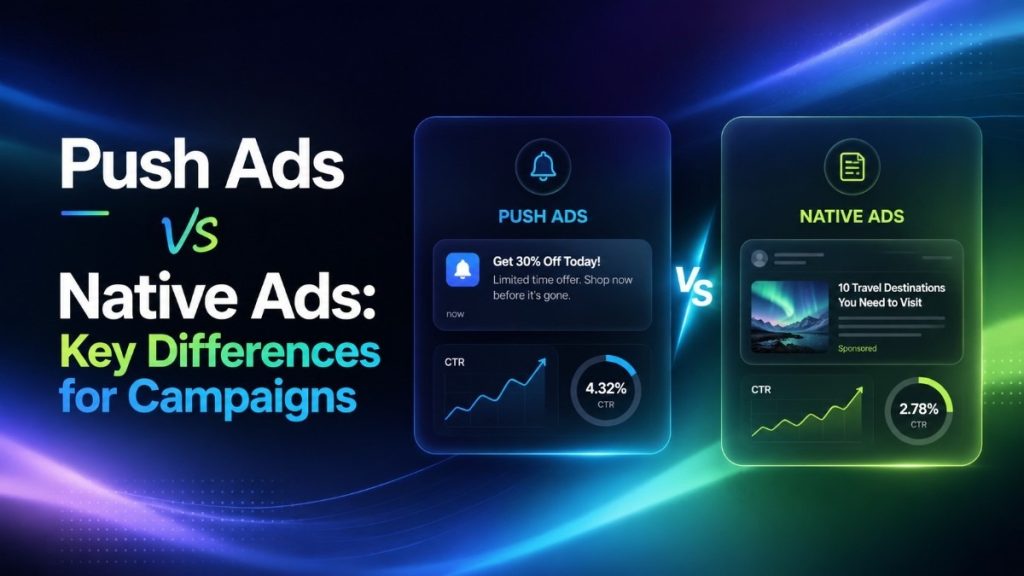
Push ads and native ads are two popular formats for advertisers who want more traffic, better testing options, and stronger campaign control. Both can drive clicks, leads, app installs, and sales, but they do not work the same way. Push ads are direct and notification-style, while native ads blend into content and guide users with a softer message.
For media buyers, affiliates, e-commerce teams, and agencies, choosing the wrong format can waste the budget fast. A push campaign may bring quick clicks but weak conversions if the offer needs more explanation. A native campaign may build stronger intent but take longer to test because it often depends on the headline, image, landing page, and content flow.
This guide explains the key differences between push ads and native ads, including how each format works, when to use them, what metrics to track, and how to choose the right format for your campaign goal.
Key Takeaways
- Push ads work well for fast clicks, simple offers, lead generation, app installs, and time-sensitive campaigns.
- Native ads work well for product education, advertorials, e-commerce, comparison pages, and longer decision journeys.
- Push ads usually need short copy and strong urgency.
- Native ads need strong images, headlines, and landing page alignment.
- Many advertisers test both formats, then scale the one with stronger CPA, CVR, EPC, or ROAS.
What Are Push Ads?
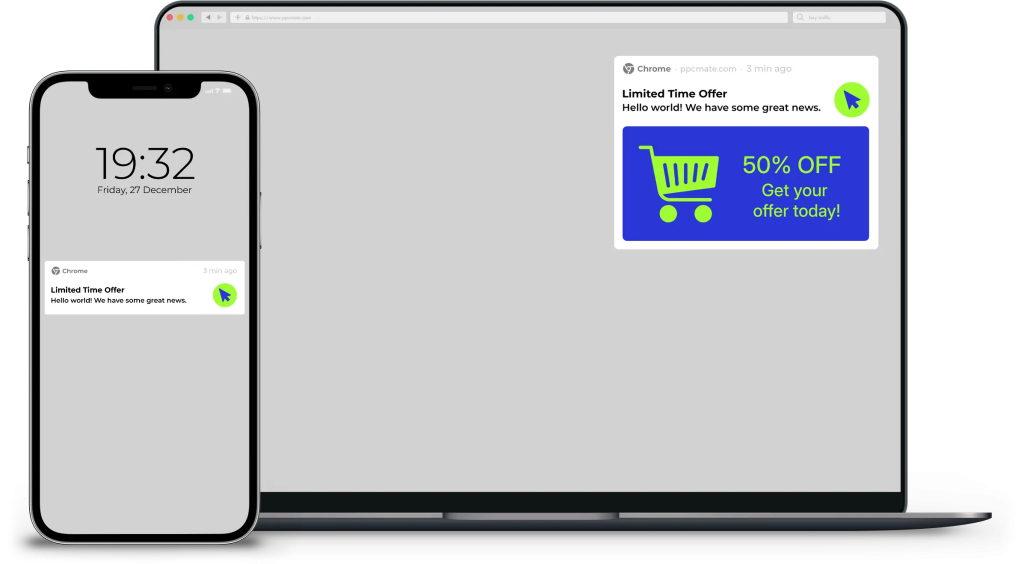
Push ads are short, clickable notification-style ads. They can appear on desktop or mobile, depending on the traffic source and format.
A push ad usually includes:
- Small icon
- Main image
- Short headline
- Message text
- Landing page link
Advertisers often use push ads because they are direct, easy to test, and visible outside normal page banners. For teams learning push traffic buying, this format can be a simple way to test offers by geo, device, source, and operating system.
What Are Native Ads?
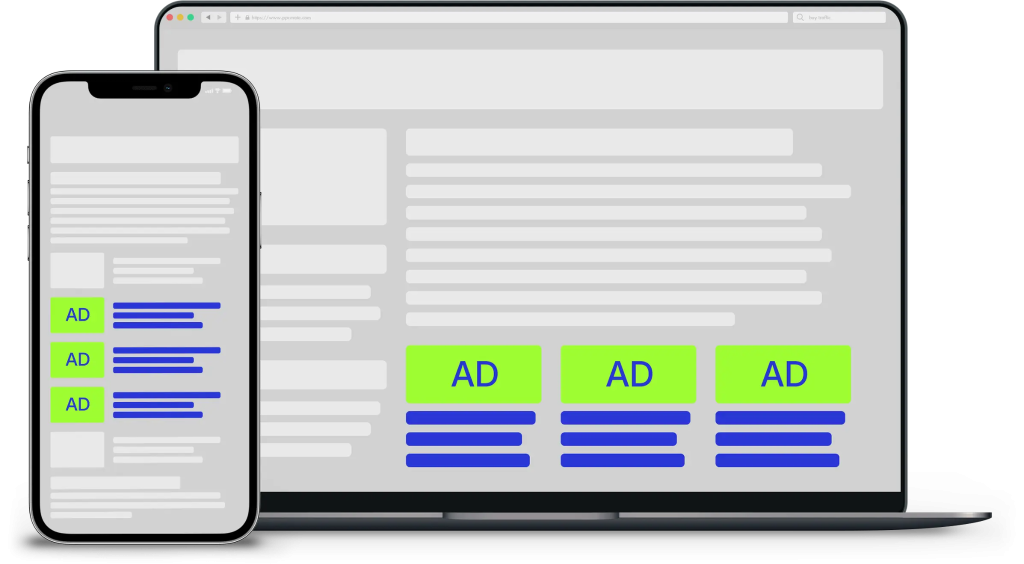
Native ads are paid ads that match the look and feel of the page, feed, app, or content area where they appear.
They often show as:
- In-feed content cards
- Sponsored recommendations
- Promoted articles
- Product teasers
- Editorial-style placements
Native ads are less direct than push ads. They work best when the user needs more context before taking action. Advertisers using native traffic safely should make sure the ad is clearly labeled and the landing page matches the promise in the headline.
Push Ads vs Native Ads: Quick Comparison
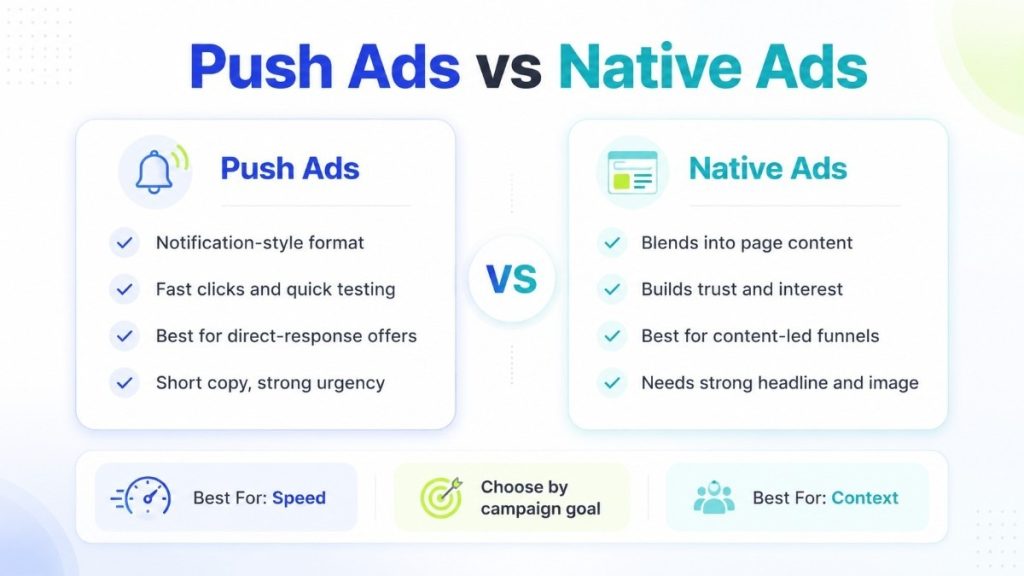
| Factor | Push Ads | Native Ads |
| User experience | Notification-style | Blends into content |
| Best for | Fast action | Education and trust |
| Creative length | Very short | Short to medium |
| Funnel type | Direct-response | Content-led |
| Common pricing | CPC or CPM | CPC or CPM |
| Main strength | Speed and visibility | Context and engagement |
| Main risk | Ad fatigue | Weak content match |
| Best metric | CPA, CTR, CVR | CPA, CVR, time on page, ROAS |
When Push Ads Work Better
Push ads are a good fit when the offer is easy to understand.
They work well for:
- App installs
- Lead forms
- Sweepstakes
- Coupons
- Finance offers
- Utility tools
- Retargeting
- Time-sensitive promotions
Push ads can also help advertisers test many angles quickly. A media buyer can change headlines, icons, images, bids, and sources without building a long content funnel.
For direct-response teams, notification ad campaigns can be useful when the goal is fast traffic and clear action.
When Native Ads Work Better
Native ads are stronger when the user needs more explanation before converting.
They work well for:
- E-commerce products
- Health and wellness offers
- Finance education
- SaaS tools
- Product comparisons
- Long-form advertorials
- Brand awareness
- High-consideration purchases
Native ads are often better when the landing page tells a story. The ad creates interest, then the landing page explains the problem, solution, proof, and offer.
Advertisers comparing native and display ads should focus on how much context the user needs before clicking or buying.
Creative Differences
Push Ad Creative
Push creative must be simple.
The user sees only a small message, so the offer should be clear in seconds.
Strong push creative usually has:
- Clear benefit
- Short headline
- Relevant icon
- Simple message
- Strong landing page match
Avoid vague copy. If the user does not understand the value fast, the click quality will drop.
Native Ad Creative
Native creative has more room to build curiosity.
A strong native ad usually has:
- Natural image
- Clear headline
- Useful teaser
- Honest promise
- Matching landing page
Native ads should not feel misleading. If the ad looks like content, the landing page must continue that content experience.
Targeting Differences
Push ads often depend on technical and source-level targeting.
Important push targeting includes:
- Geo
- Device
- OS
- Browser
- Carrier or connection type
- Source
- Subscription age
- Time of day
Native ads often depend more on context and placement quality.
Important native targeting includes:
- Site or app category
- Content topic
- Placement
- Device
- Geo
- Audience segment
- Whitelist or blacklist
- Publisher quality
Better targeting helps advertisers avoid broad traffic that spends budget without converting.
Metrics to Watch
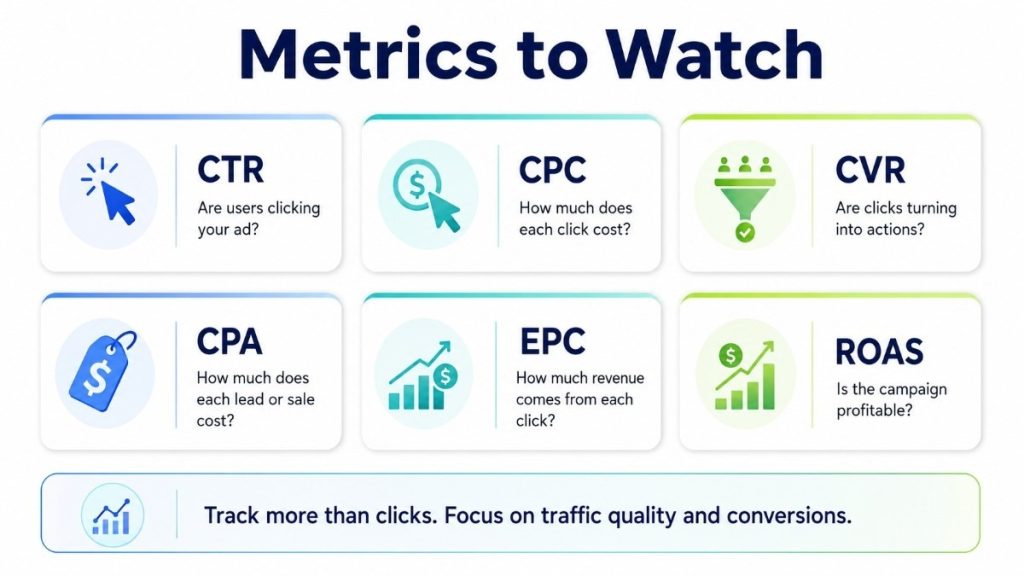
Push and native campaigns should not be judged only by CTR.
A high CTR is useful only when the traffic converts.
Track these metrics:
- CTR: Are users clicking?
- CPC: How much does each click cost?
- CVR: Are clicks turning into actions?
- CPA: How much does each lead, install, or sale cost?
- EPC: How much revenue comes from each click?
- ROAS: Is the campaign profitable?
- Bounce rate: Are users leaving too quickly?
- Source quality: Which placements waste spend?
Advertisers can use customer data signals to improve targeting, creative testing, and source-level decisions.
Common Mistakes to Avoid
Push Ad Mistakes
- Using clickbait headlines
- Sending users to a weak landing page
- Ignoring source-level performance
- Scaling before CPA is stable
- Running the same creative too long
Native Ad Mistakes
- Using images that do not match the landing page
- Writing vague headlines
- Making the ad look too much like editorial content without clear labeling
- Sending users directly to a hard-sell page too early
- Measuring clicks but not post-click quality
Should You Use Push Ads or Native Ads?
Use push ads when you need fast traffic, quick testing, and direct action.
Use native ads when you need trust, education, and a longer landing page flow.
| Campaign Goal | Better Starting Format |
| Fast lead generation | Push ads |
| Product education | Native ads |
| App installs | Push ads |
| Advertorial funnels | Native ads |
| Retargeting | Push ads |
| E-commerce comparison pages | Native ads |
| High-volume testing | Push ads |
| Brand-friendly content flow | Native ads |
Many advertisers do not need to choose only one. Push can bring fast traffic, while native can warm users with content. Some teams also compare push and popunder traffic when they want more volume for testing.
How PPCmate Helps Advertisers Test Both Formats
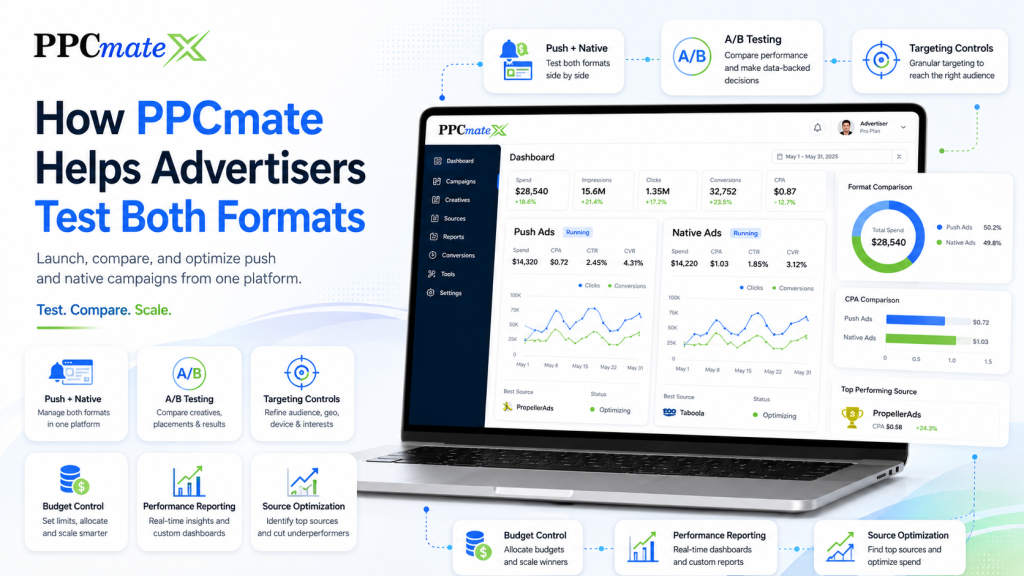
PPCmate helps advertisers buy, manage, and optimize programmatic traffic across multiple ad formats.
Advertisers can use PPCmate to:
- Run push and native campaigns
- Test different geos, devices, and sources
- Control bids and budgets
- Review campaign performance
- Block weak sources
- Scale winning placements
- Compare formats from one platform
This gives media buyers more control over what they test, pause, optimize, and scale.
Ready to Launch Programmatic Ads With More Control?
PPCmate gives advertisers a flexible DSP for buying targeted traffic across multiple channels, formats, and pricing models.
Whether you want hands-on self-serve control or managed campaign support, PPCmate helps you launch, track, and optimize programmatic campaigns from one platform.