What Is Frequency Capping and Why It Matters for Campaign Performance
Every impression an advertiser buys competes for the same limited attention, and showing the same person the same ad too many times burns budget without adding value. Frequency capping is the control that keeps that from happening — it’s one of the simplest levers in a demand-side platform (DSP), yet it has an outsized effect on cost per acquisition, brand perception, and how far a budget actually reaches.
This guide covers what frequency capping does, why it matters for campaign performance, how it’s enforced technically, how to set an effective cap by format, and the mistakes that quietly waste spend when it’s ignored.
What Frequency Capping Actually Does
Frequency capping limits how many times a single user can be shown the same ad (or ads from the same campaign) within a defined time window. Instead of letting the auction serve an impression to whoever’s inventory is cheapest at that moment, the DSP checks a running count against a user or device identifier and stops bidding once the cap is hit — even if that user’s inventory is still available and priced attractively.
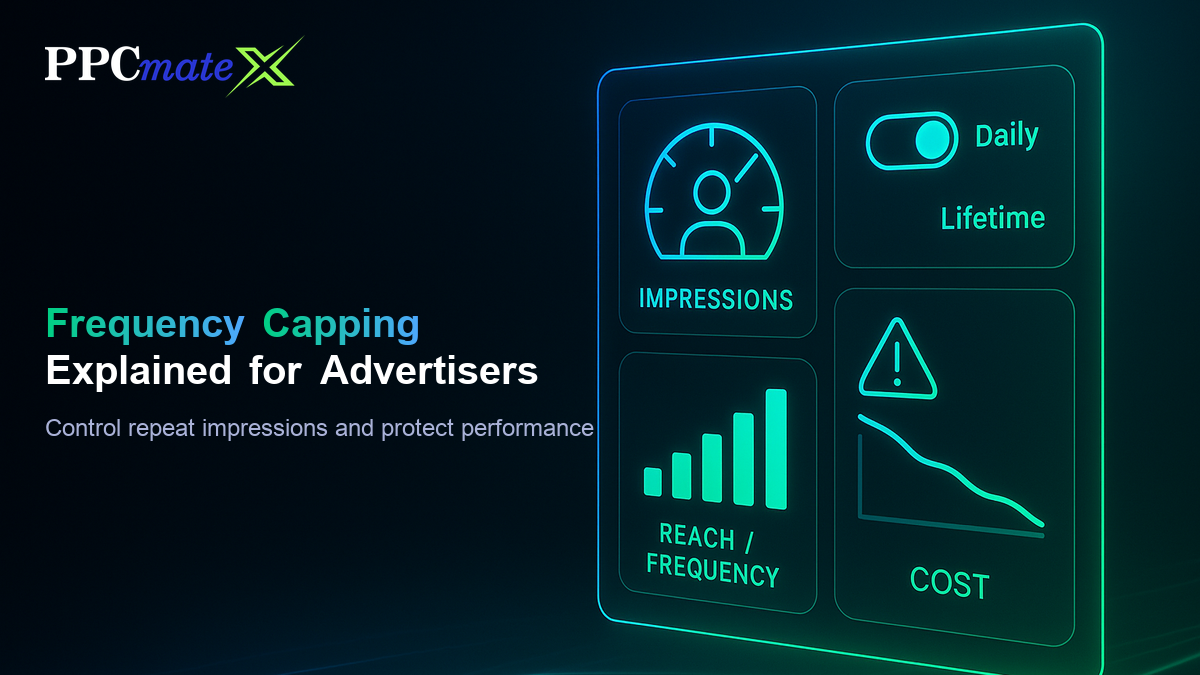
The cap is usually expressed as two numbers: a maximum number of impressions and a time window, for example “4 impressions per user per day” or “20 impressions per user per campaign lifetime.” Some platforms allow layered caps — a daily ceiling and a separate lifetime ceiling running at the same time — so a campaign can control both short-term repetition and long-term overexposure.
Why Frequency Capping Matters for Campaign Performance
Left uncapped, campaigns don’t fail loudly — they just get quietly less efficient. Three effects show up almost immediately once a cap is removed or set too loose:
- Wasted spend on saturated users — a user’s 15th impression of the same creative in a day almost never converts better than their 3rd; every impression past the point of diminishing returns is spend that could have reached a new user instead
- Ad fatigue and negative brand perception — repeated exposure to the same message shifts from reinforcement to irritation, and users who feel “followed” by an ad are measurably more likely to associate that annoyance with the brand
- Inflated frequency, deflated reach — a fixed budget spent on repeat impressions to the same pool of users is budget not spent reaching new ones, which shrinks the campaign’s effective reach even though total impression volume looks unchanged
The net effect on campaign optimization is that frequency capping isn’t a defensive setting — it’s a direct lever on cost per acquisition, because it reallocates spend away from users who have already seen (and likely already reacted to) the ad.
How Frequency Capping Works in a DSP
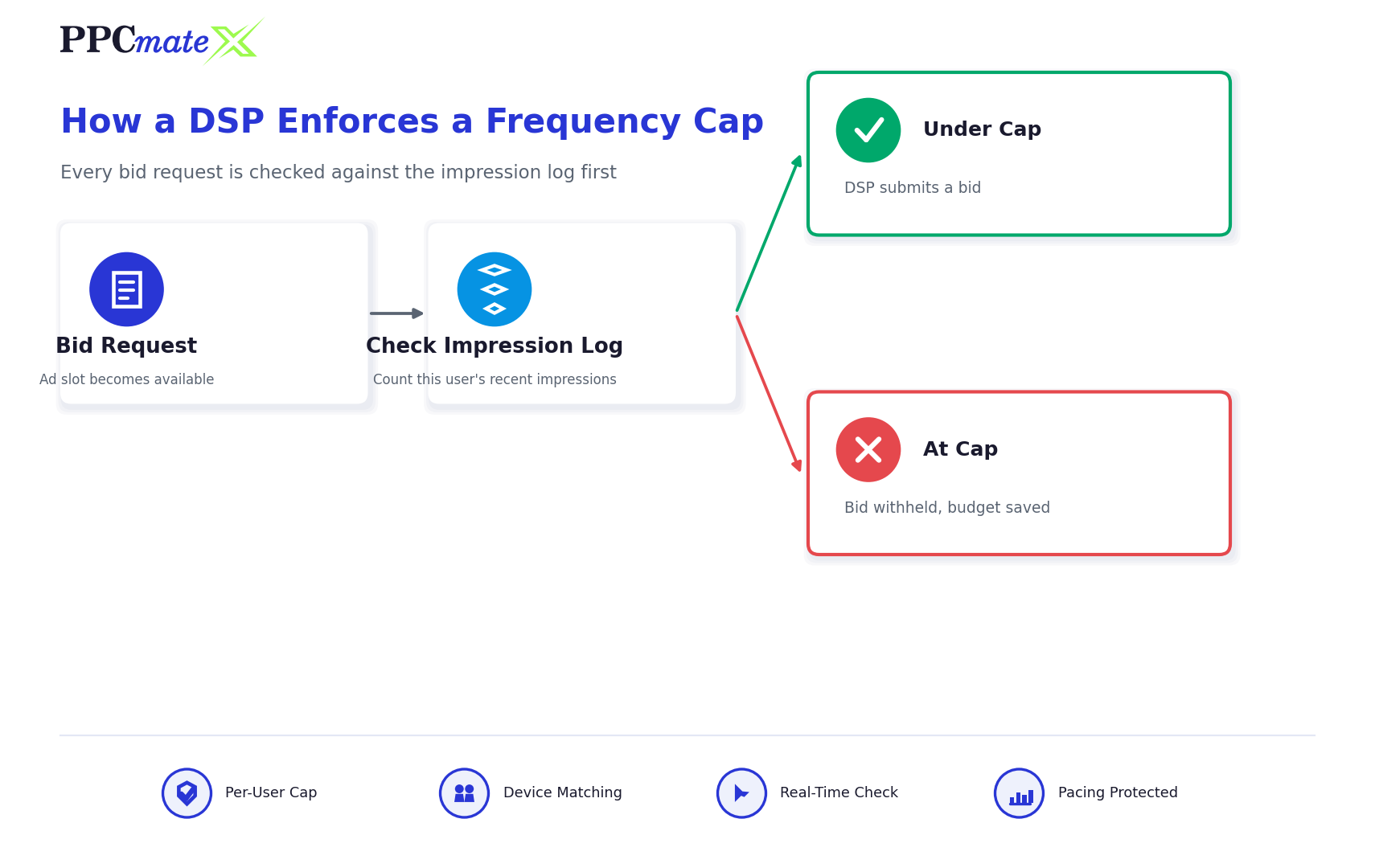
Technically, frequency capping runs as a pre-bid check inside the real-time bidding flow. Before the DSP submits a bid on a bid request, it matches the request’s device or cookie identifier against its own impression log for that campaign. If the user has already hit the configured cap within the current window, the DSP simply doesn’t bid — the auction proceeds without it, and no budget is touched.
Cap Types
Most platforms support capping at more than one level simultaneously:
- Creative-level cap — limits exposure to one specific ad variant, useful when running several creatives in rotation
- Campaign-level cap — limits total exposure across every creative in the campaign, regardless of which one served
- Line-item or ad-group cap — sits between the two, useful when a campaign has distinct targeting groups that should each get their own exposure budget
Time Windows
The window the cap resets on matters as much as the number itself. A daily window prevents one bad day of oversaturation but allows the same total to repeat every day for weeks. A lifetime (campaign-duration) window caps total exposure but can let a user see the whole allotment in a single afternoon if daily pacing isn’t also set. Most effective setups layer both: a modest daily cap to control burst repetition, plus a lifetime cap to control long-run overexposure.
How to Set an Effective Frequency Cap
- Start from the format’s natural attention span — a five-second in-feed native unit and a 30-second video pre-roll earn attention differently, so the starting cap should differ by format, not use one blanket number across every campaign
- Set a daily cap before a lifetime cap — daily pacing prevents the most damaging kind of oversaturation (the same user seeing an ad a dozen times in one session) and is the highest-leverage setting to get right first
- Layer a lifetime cap once daily pacing is stable — this controls the slower drift of the same users being re-served week after week as the campaign runs
- Watch frequency alongside conversion rate, not in isolation — the goal isn’t a specific number, it’s the point where additional impressions per user stop adding conversions
- Adjust per audience segment where the platform allows it — a retargeting segment of past visitors can typically tolerate a higher cap than a cold prospecting segment seeing the brand for the first time
- Re-check the cap after a creative refresh — a new creative resets how much repetition an audience will tolerate, so caps tuned for an old ad don’t automatically carry over
Recommended Frequency Cap Ranges by Format
There’s no universal number, but the format’s attention span and typical placement give a reasonable starting range to test from:
| Format | Typical Daily Cap | Typical Window | Why |
| Native | 2–4 per user | Daily + 7-day lifetime | Blends into content, tolerates slightly more repetition before fatigue sets in |
| Display / Banner | 3–5 per user | Daily + campaign lifetime | Small, peripheral format; moderate repetition supports recall without heavy fatigue |
| Video | 1–2 per user | Daily | Long-form, high-attention format; repeat views fatigue fastest of any format |
| Pop-Under | 1–2 per user | Daily | Full-attention interstitial placement; low tolerance for repetition |
| Push | 1–3 per user | Daily | Device-level delivery; too frequent risks opt-outs, not just fatigue |
Signs Your Frequency Cap Needs Adjusting
- Conversion rate drops as average frequency climbs — a strong sign the cap is set too loose for that audience
- Reach plateaus early while budget is still spending — the campaign is repeating impressions to the same pool instead of finding new users, often a sign the cap is too loose or missing entirely
- Cost per acquisition rises mid-flight with no targeting changes — frequently traced back to the same saturated audience absorbing an increasing share of spend
- Pacing struggles to spend the daily budget — can indicate the cap is set too tight relative to the audience size, cutting off eligible bids before the budget is exhausted
Common Mistakes to Avoid
- Using one cap across every format — applying a video-appropriate cap of 1–2 to a native campaign leaves reach on the table unnecessarily
- Setting a lifetime cap with no daily cap — allows a user to absorb the entire lifetime allotment in a single session before the campaign notices
- Never revisiting the cap after launch — a cap tuned for the initial creative and audience size can become too loose or too tight as the campaign matures
- Capping at the campaign level only, on a campaign running several very different creatives — can under-expose a strong-performing creative because a weaker one already used up the shared allotment
- Treating frequency capping as “set and forget” — it’s a performance lever, not a one-time safety setting, and should move with conversion data the same way bids do
Put Frequency Capping to Work in Your Campaigns
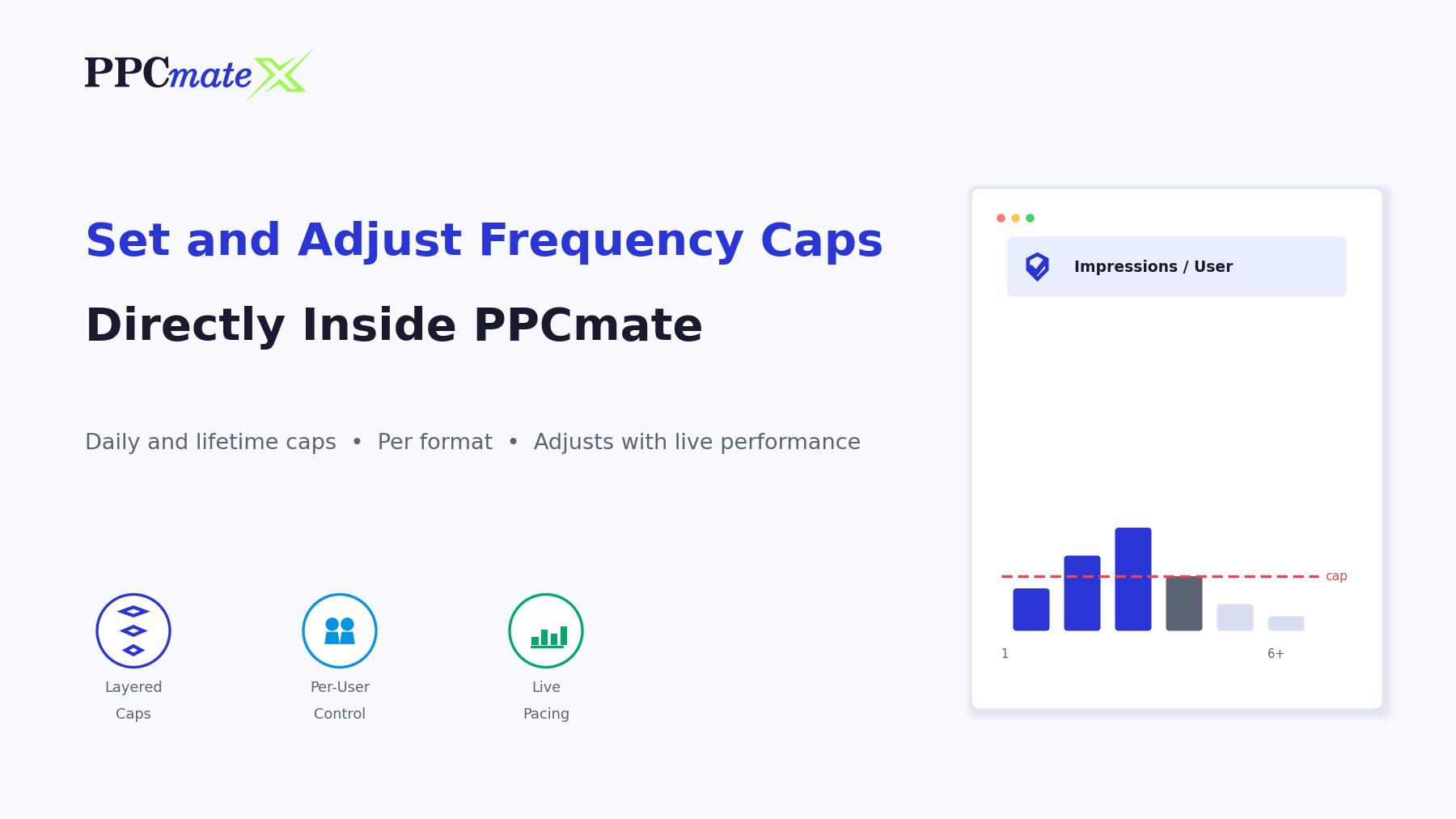
Frequency capping is one of several controls in PPCmate’s campaign automation tools that let advertisers manage exposure, budget, and pacing without micromanaging every bid manually. Advertisers running native, display, video, push, or pop-under campaigns on PPCmate can set and adjust these caps directly inside the platform as performance data comes in.
FAQs
What is frequency capping in advertising?
Frequency capping is a DSP setting that limits how many times the same user can be shown an ad within a defined time window, preventing repeat impressions from consuming budget past the point where they add value.
How many times should an ad be shown to the same user?
It depends on the format: high-attention formats like video typically perform best at 1–2 impressions per user per day, while smaller, lower-attention formats like display or native can tolerate 3–5 without a sharp drop-off in performance.
What’s the difference between frequency capping and reach?
Reach measures how many unique users a campaign shows an ad to; frequency measures how many times each of those users sees it. A tighter frequency cap generally increases reach for the same budget, since fewer impressions are spent repeating to the same users.
Does frequency capping apply per device or per user?
Most DSPs enforce it per device or cookie identifier rather than per person, since that’s the identifier actually visible in the bid request. A person using multiple devices may still see the ad more times in total than the cap on any single device suggests.
What happens if I don’t set a frequency cap?
Without a cap, the auction has no reason to avoid repeatedly serving users whose inventory happens to be cheap and available, which typically drives frequency up, reach down, and cost per acquisition higher over the life of the campaign.
Can frequency capping hurt my reach?
A cap set too tight relative to the available audience size can limit how much of the daily budget the campaign is able to spend, since bids stop once users hit their cap. This is why daily pacing and cap size should be checked together, not set independently.
Should frequency caps differ by ad format?
Yes. Formats with longer or more intrusive attention demands, like video or pop-under, generally need tighter caps than smaller, less intrusive formats like native or display, which can support more repetition before fatigue sets in.
How do DSPs enforce frequency caps technically?
Before submitting a bid, the DSP checks the bid request’s device or cookie identifier against its own impression log for that campaign. If the count already matches or exceeds the configured cap for the active time window, the DSP withholds the bid and the auction proceeds without it.