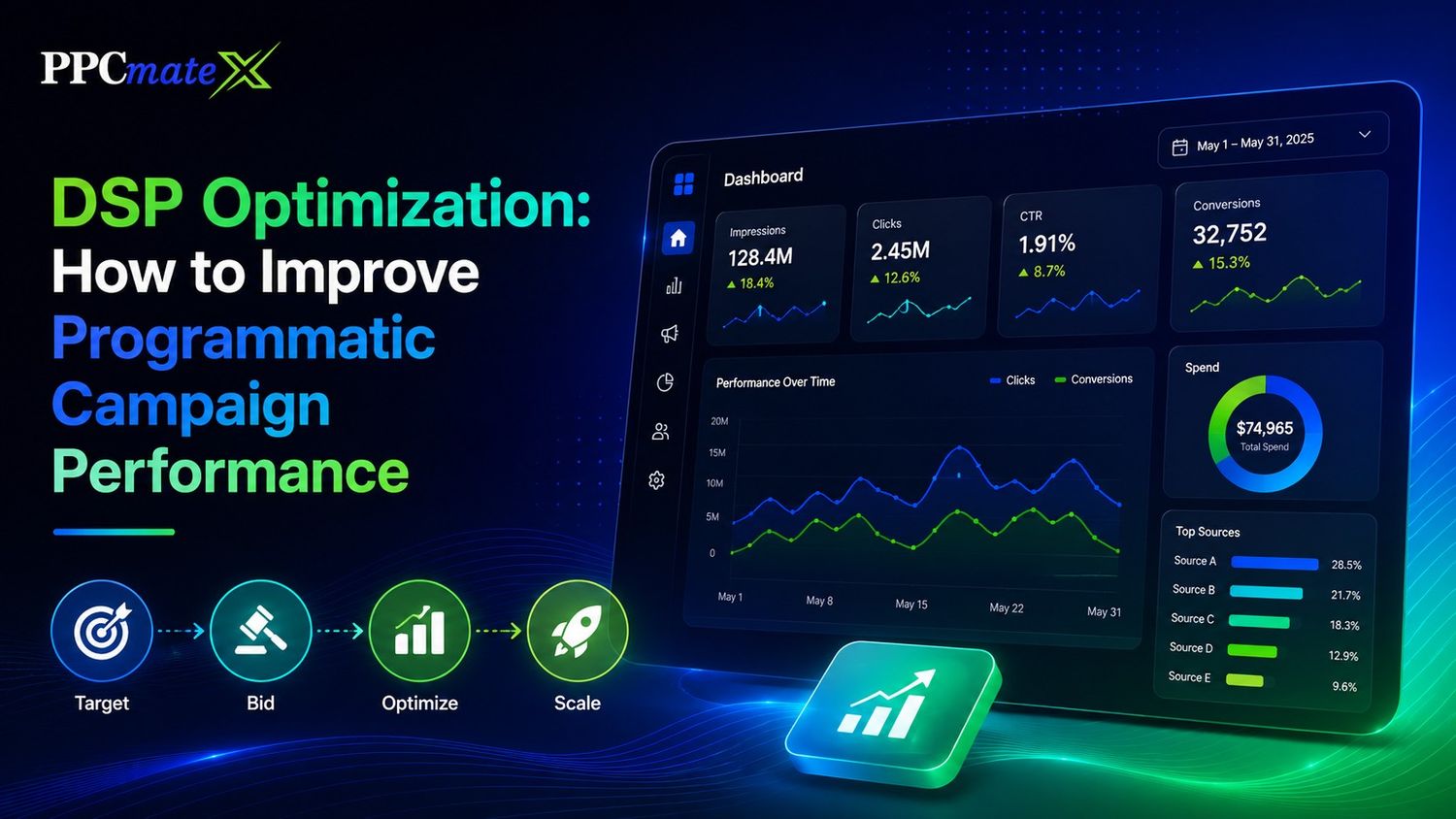
DSP optimization is the process of improving programmatic ad campaigns after launch.
It helps advertisers spend budget on better traffic, reduce weak placements, test creatives, adjust bids, and improve results over time.
For media buyers, affiliates, agencies, and e-commerce teams, DSP optimization is not a one-time task. It is a repeatable workflow based on campaign data.
Key Takeaways
- DSP optimization uses live data to improve campaign performance.
- Advertisers should review bids, budgets, targeting, creatives, and traffic sources.
- Strong optimization focuses on CPA, ROAS, conversions, and traffic quality.
- Poor tracking makes optimization harder.
- Campaigns should scale only after clear performance patterns appear.
What Is DSP Optimization?
DSP optimization means improving how a demand-side platform buys traffic for your campaign.
A DSP helps advertisers manage targeting, bids, budgets, creatives, and reporting from one platform. Strong DSP campaign control makes it easier to decide what to test, pause, block, or scale.
The goal is simple: spend more on traffic that performs and less on traffic that wastes budget.
Why DSP Optimization Matters
Programmatic campaigns can change quickly.
One source may convert well today and slow down tomorrow. One geo may drive cheap clicks but poor leads. One creative may get attention but fail to convert.
Optimization helps advertisers respond to these changes.
It can improve:
- CPA
- ROAS
- Conversion rate
- Click quality
- Budget pacing
- Source quality
- Creative performance
- Campaign scale
Main DSP Optimization Areas
| Area | What to Review | Optimization Action |
| Targeting | Geo, device, OS, source, app, site | Narrow, expand, or segment traffic |
| Bidding | CPM, CPC, bid limits, win rate | Raise, lower, or split bids |
| Budget | Daily cap, total cap, pacing | Reallocate spend to stronger segments |
| Creative | Copy, image, CTA, format | Test and pause weak ads |
| Traffic quality | Sources, placements, suspicious activity | Use blacklists and whitelists |
| Tracking | Clicks, conversions, CPA, ROAS | Fix missing or weak data |
How to Optimize a DSP Campaign
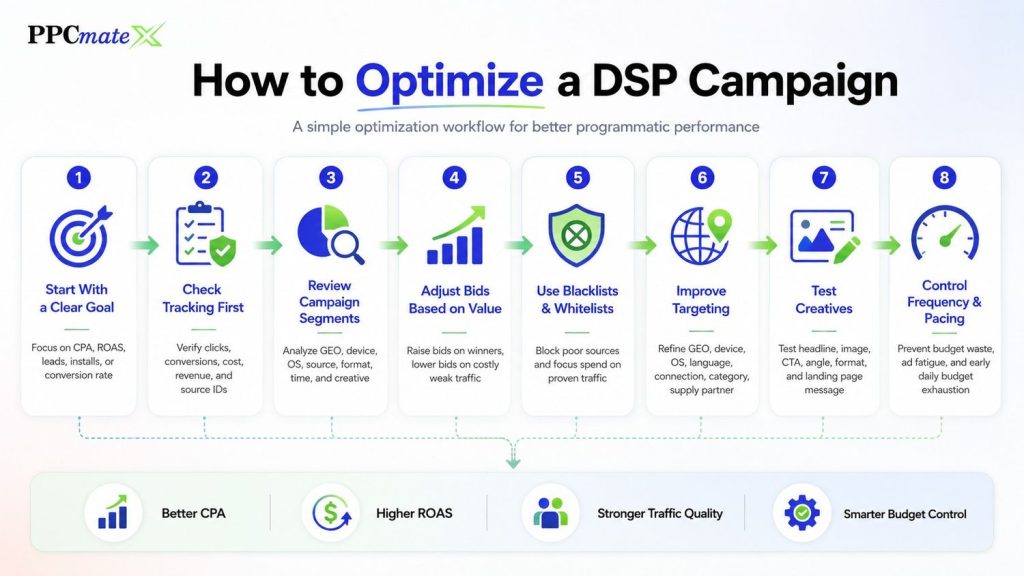
1. Start With a Clear Goal
Before changing settings, define what success means.
Common goals include:
- Lower CPA
- Higher ROAS
- More qualified leads
- More app installs
- Better click quality
- Higher conversion rate
Do not optimize only for clicks if the campaign goal is sales or leads.
2. Check Tracking First
Optimization depends on clean data.
Make sure clicks, conversions, cost, revenue, and source IDs are tracked correctly. If tracking is wrong, the DSP may optimize toward the wrong signals.
A reliable DSP bidding workflow needs accurate data before making bid or budget changes.
3. Review Campaign Segments
Break performance down by segment.
Look at:
- Geo
- Device
- OS
- Browser
- Source
- Website or app
- Ad format
- Time of day
- Creative
This helps you find where performance is strong or weak.
4. Adjust Bids Based on Value
Do not use the same bid for every segment.
Increase bids where traffic converts well. Lower bids where traffic is expensive or weak.
In real-time auction data, bid changes can affect delivery, win rate, traffic quality, and cost.
5. Use Blacklists and Whitelists
Some sources may spend budget without producing useful results.
Use blacklists to block poor sources. Use whitelists to focus spend on proven sources.
This is useful when you find traffic that has:
- High spend and no conversions
- Suspicious clicks
- Poor engagement
- Weak lead quality
- Low ROAS
6. Improve Targeting
Targeting should match the offer and landing page.
Review settings such as:
- Country or city
- Device type
- Operating system
- Language
- Connection type
- App or website category
- Supply partner
For mobile campaigns, mobile traffic signals like OS, device, connection, and app environment can strongly affect performance.
7. Test Creatives
Creative testing helps improve click and conversion quality.
Test one main change at a time:
- Headline
- Image
- CTA
- Offer angle
- Format
- Landing page message
Good creative should match the user, the format, and the landing page. A high CTR is not enough if users do not convert.
8. Control Frequency and Pacing
Frequency caps stop users from seeing the same ad too often.
Pacing helps control how fast the budget is spent during the day.
These settings help prevent:
- Budget waste
- Ad fatigue
- Poor user experience
- Early daily budget exhaustion
- Overexposure to the same audience
DSP Metrics Advertisers Should Track
| Metric | What It Shows | Why It Matters |
| CTR | How often users click | Shows ad engagement |
| CPC | Cost per click | Helps measure traffic cost |
| CPM | Cost per 1,000 impressions | Shows media price |
| CPA | Cost per action | Measures conversion efficiency |
| ROAS | Revenue from ad spend | Shows return |
| Conversion rate | Actions from visits or clicks | Shows traffic quality |
| Win rate | Auctions won vs bids placed | Shows bid competitiveness |
| Spend by source | Budget used by placement or source | Helps find waste |
Focus on metrics that connect to your goal. Cheap traffic is not useful if it does not convert.
Common DSP Optimization Mistakes

DSP optimization works best when decisions are based on clean data. Many campaigns lose budget because advertisers change settings too early or scale too fast.
Avoid these common mistakes:
1. Optimizing Too Early
Do not pause sources, creatives, or GEOs after only a few clicks.
Review enough data first:
- Clicks
- Conversions
- CPA trend
- Spend by source
2. Chasing Cheap CPC
Low CPC does not always mean good traffic.
A higher CPC can be better if it brings stronger leads, installs, or sales. Judge CPC with conversion rate, CPA, ROAS, and source quality.
3. Targeting Too Broadly
Broad targeting can spend budget fast and make results harder to read.
Keep tests simple:
- Separate major GEOs
- Split mobile and desktop when needed
- Test one main offer angle at a time
4. Ignoring Weak Sources
Some sources spend without producing results.
Watch for sources with high spend, no conversions, poor click quality, or rising CPA. Block or reduce them after enough data.
5. Scaling Too Fast
A campaign that works at a small budget may not stay profitable after a large budget jump.
Scale in small steps:
- Increase budget slowly.
- Watch CPA and conversion rate.
- Keep strong sources active.
- Reduce weak segments if CPA rises.
6. Not Refreshing Creatives
Ad fatigue can lower CTR and increase CPA.
Refresh creatives when CTR drops, CPA rises, or users stop engaging.
Good DSP optimization is about control. Make changes slowly, follow the data, and scale only when performance stays stable.
When to Scale a DSP Campaign
Do not scale a DSP campaign only because it gets clicks. Scale when the campaign shows stable CPA, clean tracking, and clear source-level performance.
1. Scale When CPA Is Stable
Your CPA should stay close to your target after enough clicks and conversions.
Check:
- Average CPA
- Conversion volume
- Daily spend
- Conversion rate
- Source-level CPA
If CPA stays steady for several days, the campaign may be ready for more budget.
2. Scale Strong Sources First
Not every source, site, app, or supply partner will perform well.
Scale sources that show:
- Consistent conversions
- Acceptable CPA
- Good click quality
- Low bounce rate
Block or reduce weak sources before increasing spend.
3. Increase Budget Slowly
Avoid large budget jumps. Fast scaling can push spend into weaker traffic or more expensive auctions.
Use a simple process:
- Increase the daily budget by 20–30%.
- Watch CPA and conversion rate.
- Keep the increase if results stay stable.
- Reduce spend if CPA rises too much.
4. Scale by Segment
Do not scale the full campaign at once.
Start with the best-performing:
- GEO
- Device
- OS
- Traffic source
- Creative
- Time of day
For example, if Android traffic in one GEO has the best CPA, scale that segment first.
5. Refresh Creatives Before Fatigue
Push creatives can lose performance over time. Before scaling, check if CTR and conversion rate are still strong.
If CTR drops or CPA rises, test new creatives before adding more budget.
| Scaling Signal | What to Do |
| CPA is stable | Increase budget slowly |
| Strong sources are clear | Scale winners first |
| Tracking is accurate | Use conversion data |
| CPA is rising | Pause scaling |
| CTR is dropping | Refresh creatives |
The goal is not just more traffic. The goal is more profitable traffic while keeping CPA, ROAS, and source quality under control.
How PPCmate Helps With DSP Optimization
PPCmate helps advertisers manage programmatic campaigns with controls for targeting, bidding, budgets, formats, and reporting.
Advertisers can use PPCmate to:
- Test multiple ad formats
- Review campaign performance
- Adjust bids and budgets
- Optimize by source and placement
- Use targeting controls
- Improve traffic quality
- Run self-serve or managed campaigns
PPCmate supports performance-focused formats, including push traffic testing, native ads, display ads, and video ads.
Ready to Launch Programmatic Ads With More Control?
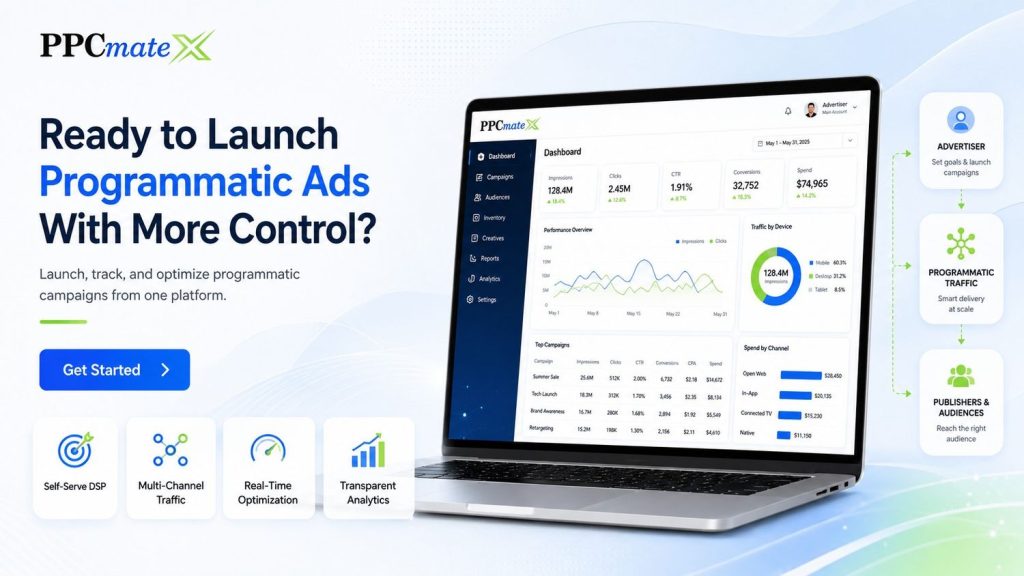
PPCmate gives advertisers a flexible DSP for buying targeted traffic across multiple channels, formats, and pricing models. Whether you want hands-on self-serve control or managed campaign support, connect with PPCmate to help you launch, track, and optimize programmatic campaigns from one platform.
FAQs
How often should advertisers optimize DSP campaigns?
Advertisers should review campaigns regularly, especially during testing. The right timing depends on traffic volume, spend, and conversion data.
What is the most important DSP metric?
The most important metric depends on the goal. For performance campaigns, CPA, ROAS, conversion rate, and source quality are usually more useful than clicks alone.
Can DSP optimization reduce wasted spend?
Yes. It can reduce wasted spend by blocking weak sources, improving targeting, adjusting bids, and moving budget toward better-performing traffic.
Should advertisers scale as soon as they get conversions?
Not always. Wait until results are stable across enough traffic. Scaling too early can increase spend before the campaign has proven performance.