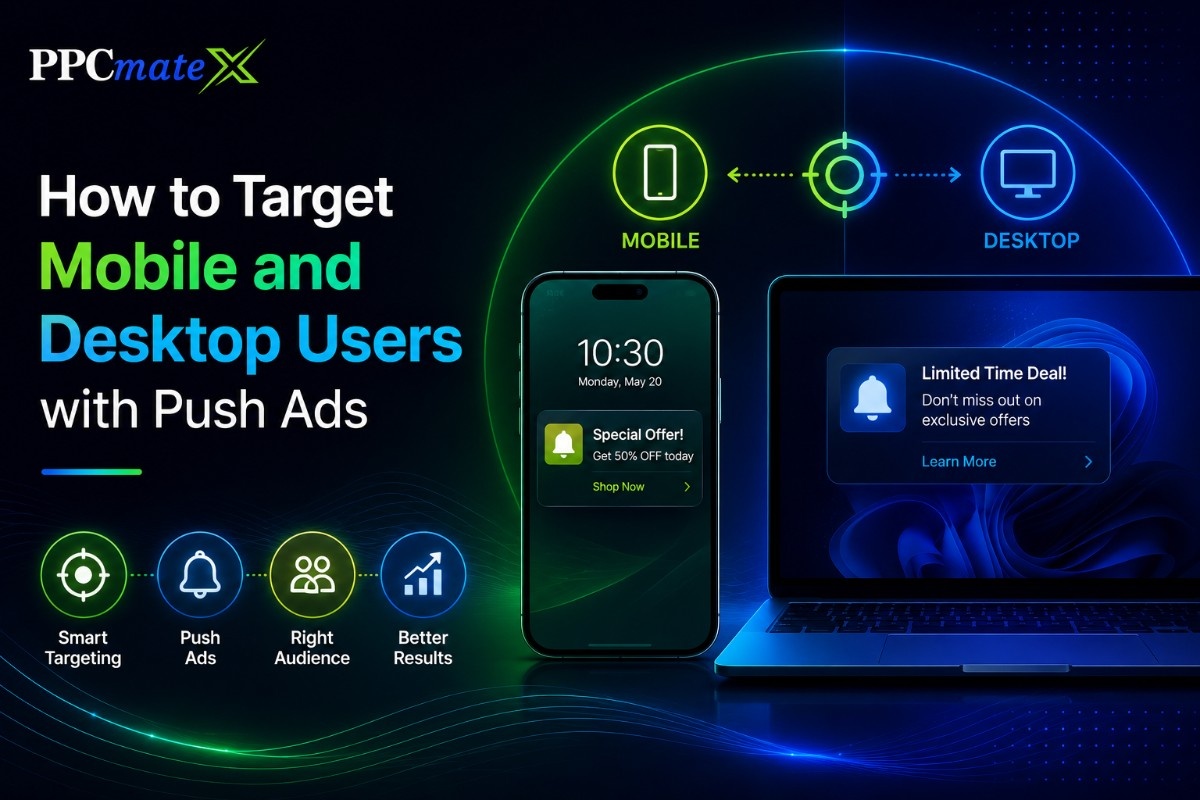
Understanding mobile vs desktop push ads is important for advertisers who want better control over targeting, bids, creatives, and campaign performance.
Push ads can reach users across mobile phones, tablets, laptops, and desktop computers, but users do not always behave the same way on each device. Mobile users often respond quickly, while desktop users may take more time before they click, compare, or convert.
For advertisers, media buyers, affiliates, agencies, and e-commerce teams, the best approach is to separate mobile and desktop push ad campaigns whenever possible. This makes bidding, creative testing, budget control, and optimization easier to manage.
Key Takeaways
- Mobile and desktop push ads should often run in separate campaigns.
- Device type can affect bids, CTR, CPA, conversion rate, and landing-page performance.
- Mobile targeting should focus on OS, carrier, connection type, GEO, and short creative.
- Desktop targeting should focus on OS, browser, time of day, source quality, and clear landing pages.
- Strong push ad targeting depends on clean tracking and regular optimization.
What Are Push Ads?
Push ads are short notification-style ads that appear on a user’s device.
They usually include:
- A title
- A short message
- An icon or image
- A call to action
- A landing page link
Advertisers use the push traffic format because it can reach users outside a standard banner placement and drive quick visits to an offer or landing page.
Mobile vs Desktop Push Ads
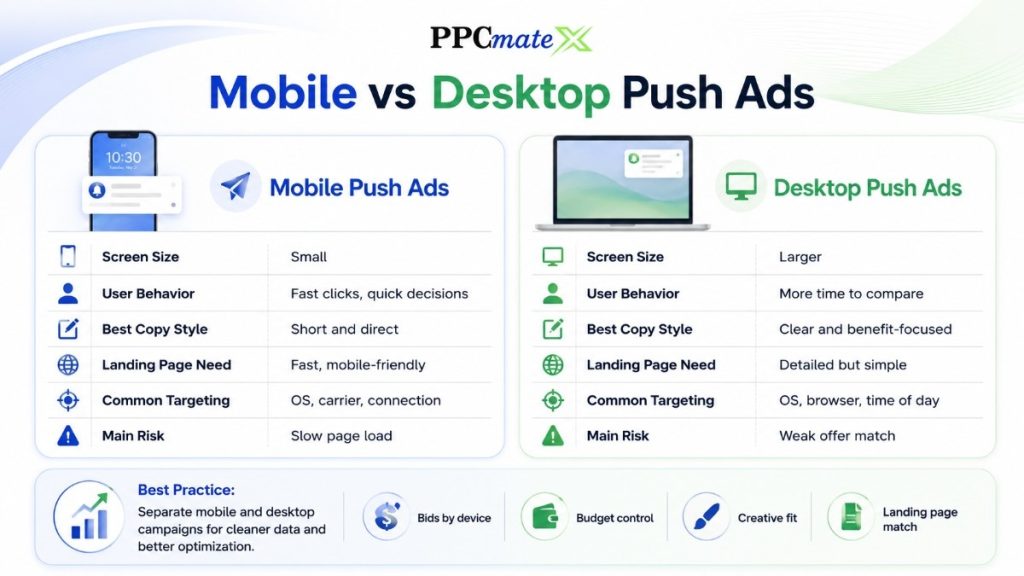
Mobile and desktop push ads may look similar, but users often respond differently.
| Area | Mobile Push Ads | Desktop Push Ads |
| Screen size | Small | Larger |
| User behavior | Fast clicks, quick decisions | More time to compare |
| Best copy style | Short and direct | Clear and benefit-focused |
| Landing page need | Fast, mobile-friendly | Detailed but simple |
| Common targeting | OS, carrier, connection | OS, browser, time of day |
| Main risk | Slow page load | Weak offer match |
Do not assume one device will perform like the other. Check the data before scaling.
Why Separate Mobile and Desktop Campaigns?
Mobile and desktop traffic can have different bids, conversion rates, and traffic quality.
If both devices run in one campaign, weak results from one device can hide strong results from the other.
A cleaner push campaign setup makes it easier to see what is working.
Separate Campaigns Help You Control:
- Bids by device
- Budget by device
- Creatives by screen size
- Landing pages by device
- Source-level performance
- CPA and ROAS by segment
This gives you cleaner data and better optimization decisions.
Main Targeting Options for Mobile and Desktop Push Ads
| Targeting Option | Why It Matters |
| Device type | Separates mobile, desktop, and tablet traffic |
| GEO | Helps match the offer to country, region, or city |
| OS | Lets you target Android, iOS, Windows, or macOS users |
| Browser | Helps compare Chrome, Safari, Edge, and other browsers |
| Language | Matches ad copy to the user’s language |
| Connection type | Useful for mobile users on Wi-Fi, LTE, or 3G |
| Carrier | Helps mobile campaigns target specific operators |
| Time of day | Shows when users are most likely to convert |
| Source or zone | Helps block weak placements and scale strong ones |
| Subscription age | Helps compare newer and older push subscribers |
Use these settings to build simple, clear tests. Do not add too many filters at the start.
How to Target Mobile Users with Push Ads
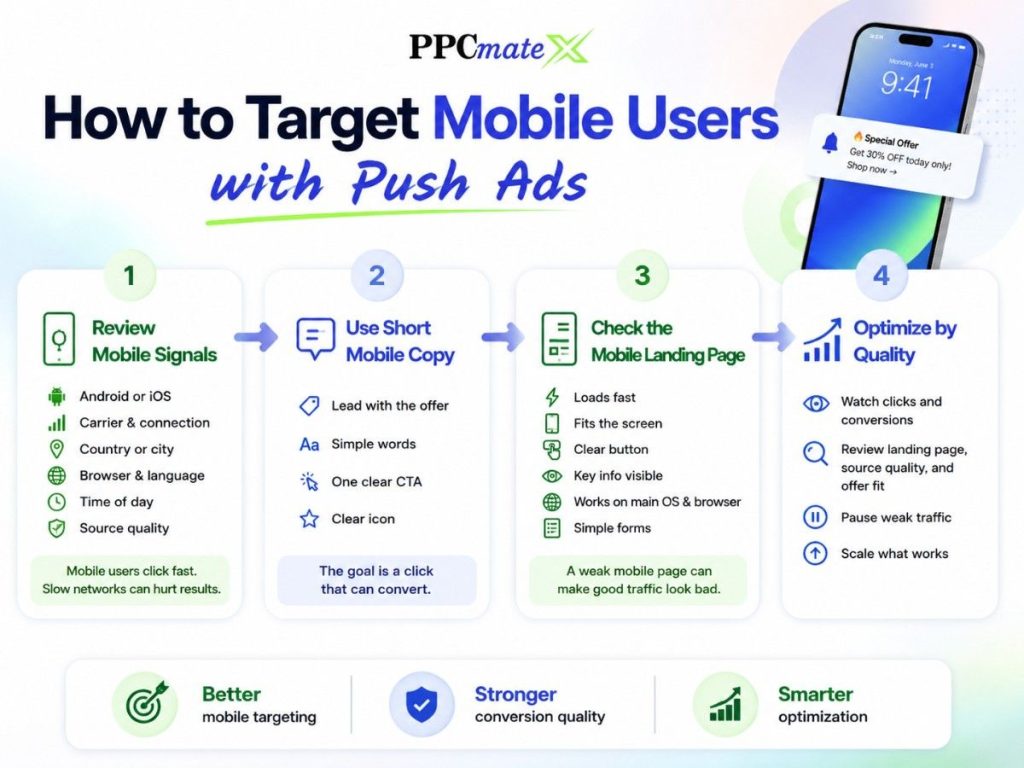
Mobile users often click quickly, but they may leave fast if the page is slow or hard to use.
Review Mobile Signals
Focus on:
- Android or iOS
- Device type
- Mobile carrier
- Connection type
- Country or city
- Browser
- Language
- Time of day
- Source quality
For mobile push campaigns, connection type can matter. A heavy landing page may perform poorly on slow mobile networks.
Use Short Mobile Copy
Mobile screens have limited space.
Keep the message clear:
- Lead with the offer
- Use simple words
- Avoid long descriptions
- Use one clear CTA
- Make the icon easy to understand
The goal is not only a click. The goal is a click that can convert.
Check the Mobile Landing Page
Before increasing spend, check that the page:
- Loads fast
- Fits the screen
- Has a clear button
- Does not hide key information
- Works on the main OS and browser
- Has simple forms
A weak mobile page can make good traffic look bad.
How to Target Desktop Users with Push Ads
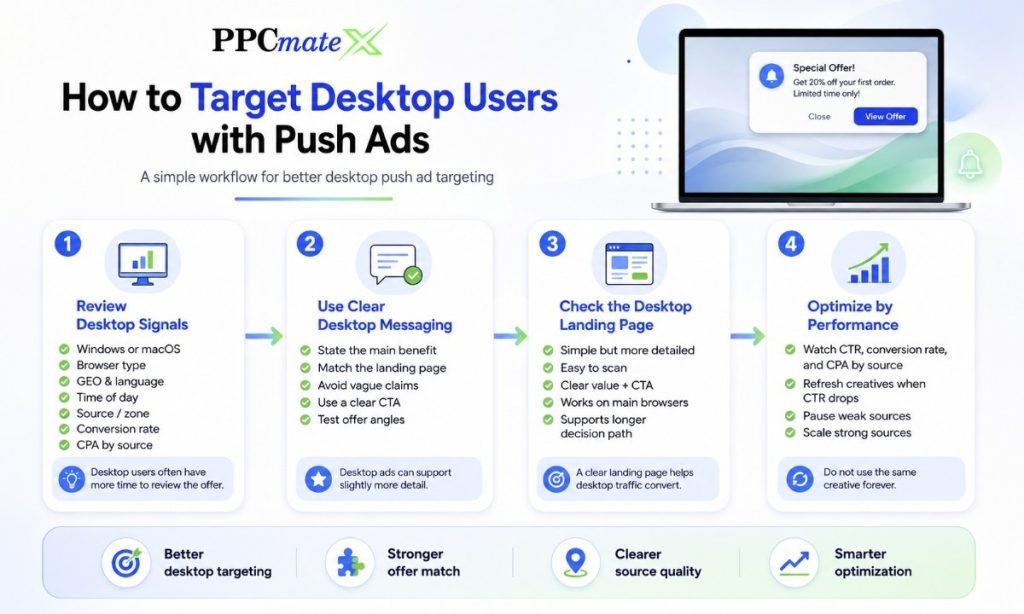
Desktop users may have more screen space and more time to review the offer.
This can help with offers that need more explanation.
Review Desktop Signals
Focus on:
- Windows or macOS
- Browser type
- GEO
- Language
- Time of day
- Source or zone
- Conversion rate
- CPA by source
Desktop push traffic can work well when the offer needs a larger screen or a longer decision path.
Use Clear Desktop Messaging
Desktop ads can support a slightly more detailed message.
Keep it focused:
- State the main benefit
- Match the landing page
- Avoid vague claims
- Use a clear CTA
- Test different offer angles
Do not use the same creative forever. Refresh it when CTR drops or CPA rises.
Mobile vs Desktop Creative Differences
| Creative Element | Mobile Best Practice | Desktop Best Practice |
| Title | Very short and direct | Clear and benefit-led |
| Description | One simple idea | Slightly more detail |
| Icon | Bold and easy to see | Clean and relevant |
| CTA | Fast action | Clear next step |
| Landing page | Fast and responsive | Simple but more detailed |
Creative testing should match the device. A strong desktop message may be too long for mobile.
Budget and Bid Strategy
Do not use the same bid for every device.
Mobile and desktop traffic can have different prices and different conversion quality.
A strong device-based bid strategy helps advertisers avoid overpaying for weak segments.
Simple Bid Rules
- Start with separate mobile and desktop bids.
- Watch CPA, CTR, and conversion rate.
- Raise bids only where traffic converts.
- Lower bids where clicks are weak.
- Block sources that spend without results.
- Increase budget slowly after stable performance.
Do not scale only because CTR is high. A high CTR is not useful if users do not convert.
How to Optimize Mobile and Desktop Push Campaigns
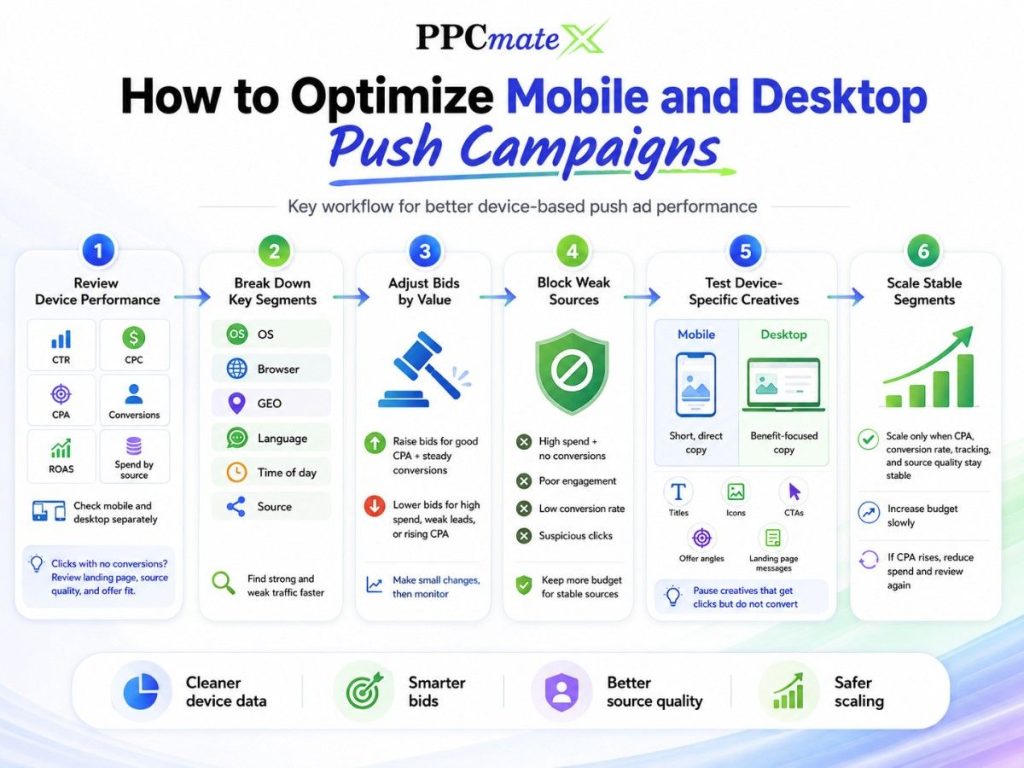
Mobile and desktop push campaigns should be optimized separately because each device can show different CTR, CPA, bids, and conversion quality.
Use a regular DSP performance review to decide what to pause, adjust, block, or scale.
1. Review Device Performance
Check mobile and desktop results separately.
Look at:
- CTR
- CPC
- CPA
- Conversions
- ROAS
- Spend by source
If one device gets clicks but no conversions, review the landing page, source quality, and offer fit.
2. Break Down Key Segments
Do not optimize only at campaign level.
Review results by:
- OS
- Browser
- GEO
- Language
- Time of day
- Source
This helps you find strong and weak traffic faster.
3. Adjust Bids by Value
Raise bids for segments with good CPA and steady conversions.
Lower bids for segments with high spend, weak leads, or rising CPA.
Make small bid changes and watch the results before scaling.
4. Block Weak Sources
Some sources may bring clicks without useful results.
Block sources with:
- High spend and no conversions
- Poor engagement
- Low conversion rate
- Suspicious clicks
Keep more budget for sources that show stable performance.
5. Test Device-Specific Creatives
Use short, direct copy for mobile.
Use clearer benefit-focused copy for desktop.
Test titles, icons, CTAs, offer angles, and landing page messages. Pause creatives that get clicks but do not convert.
6. Scale Stable Segments
Scale only when CPA, conversion rate, tracking, and source quality stay stable.
Increase budget slowly. If CPA rises too much, reduce spend and review the segment again.
Common Mistakes to Avoid
Mixing Mobile and Desktop Too Early
This makes performance harder to read. Separate them when you need clear data.
Using the Same Landing Page for All Devices
A page that works on desktop may fail on mobile. Test both.
Chasing Cheap Clicks
Cheap traffic is not always good traffic. Judge by CPA, ROAS, and conversion quality.
Ignoring Source Quality
Some sources may spend budget without useful results. Use blacklists and whitelists when data is clear.
Scaling Before Patterns Are Stable
Do not increase budget after only a few clicks. Wait for enough conversion data.
When to Scale Mobile or Desktop Push Ads
Scale only when performance is stable.
Good scaling signals include:
- CPA is close to target
- Conversion rate is steady
- Strong sources are clear
- Tracking is accurate
- Creatives still perform
- Landing pages work well by device
If mobile performs better, scale mobile first. If desktop has better lead quality, scale desktop first.
The goal is not more traffic. The goal is more profitable traffic.
Ready to Launch Programmatic Ads With More Control?
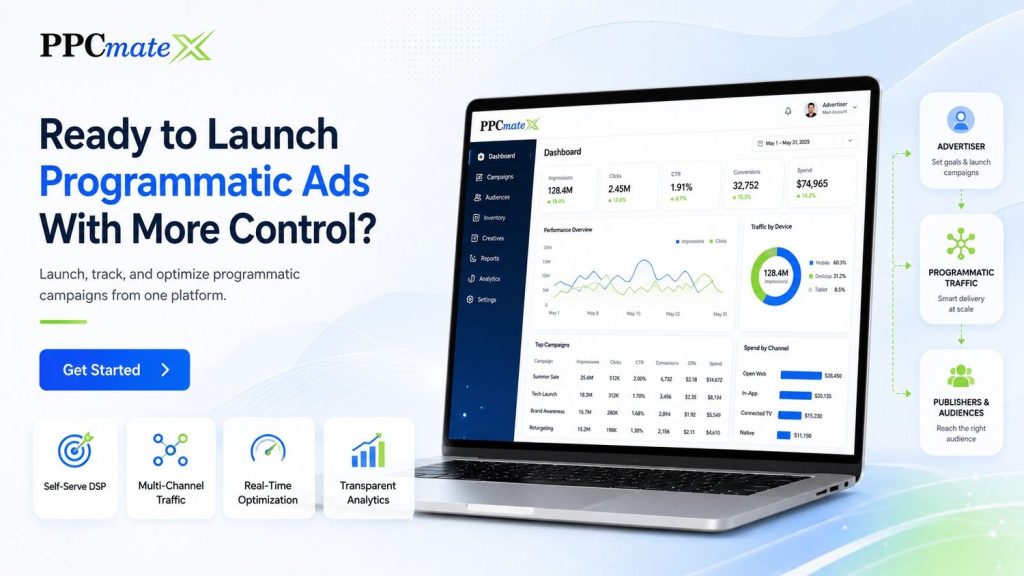
PPCmate gives advertisers a flexible DSP for buying targeted traffic across multiple channels, formats, and pricing models. Whether you want hands-on self-serve control or managed campaign support, PPCmate helps you launch, track, and optimize programmatic campaigns from one platform.
FAQs
Should mobile and desktop push ads be in separate campaigns?
Yes, in most cases. Separate campaigns make it easier to control bids, budgets, creatives, landing pages, and performance data.
Which performs better: mobile or desktop push ads?
It depends on the offer. Mobile can drive quick clicks, while desktop may work better for offers that need more detail or longer decision time.
What is the most important mobile push targeting setting?
Device OS, GEO, connection type, carrier, and source quality are important. The best setting depends on the campaign goal.
What is the biggest mistake in mobile push ads?
The biggest mistake is sending traffic to a slow or poorly designed mobile landing page.
How often should advertisers optimize push campaigns?
Advertisers should review campaigns regularly, especially during testing. The right timing depends on spend, traffic volume, and conversion data.