Banner ads can still drive strong results when they are clear, relevant, and built for the right audience. But many advertisers struggle with the same problem: they know what they want to promote, yet they do not have enough time, budget, or design support to create strong ad creatives.
This creates a real gap. Your campaign may have the right offer, landing page, and traffic source, but weak visuals can still lower clicks and conversions. A banner that looks crowded, unclear, or off-brand can make people ignore your ad before they even read the message.
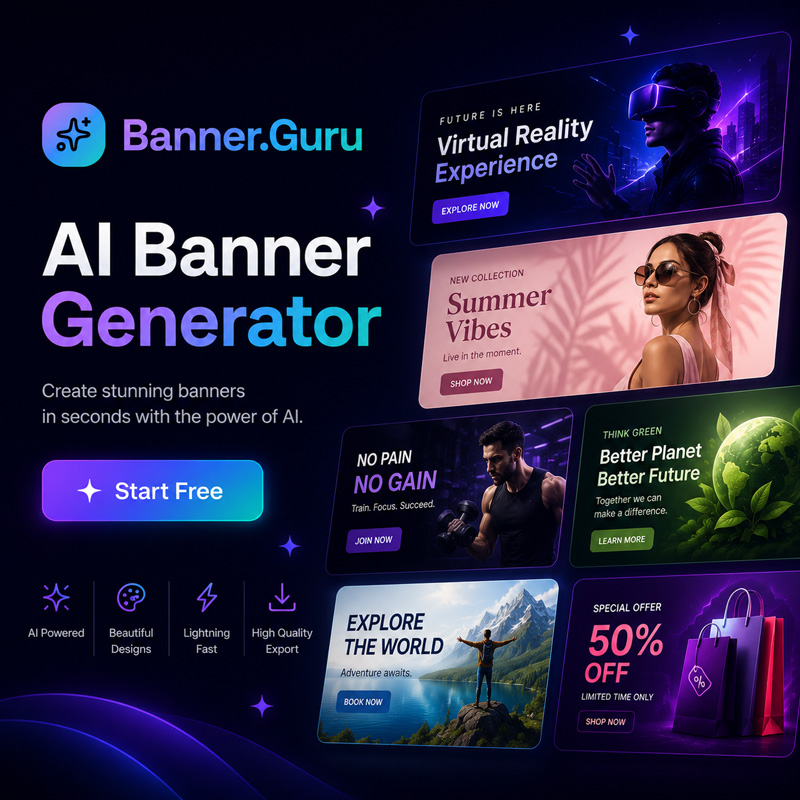
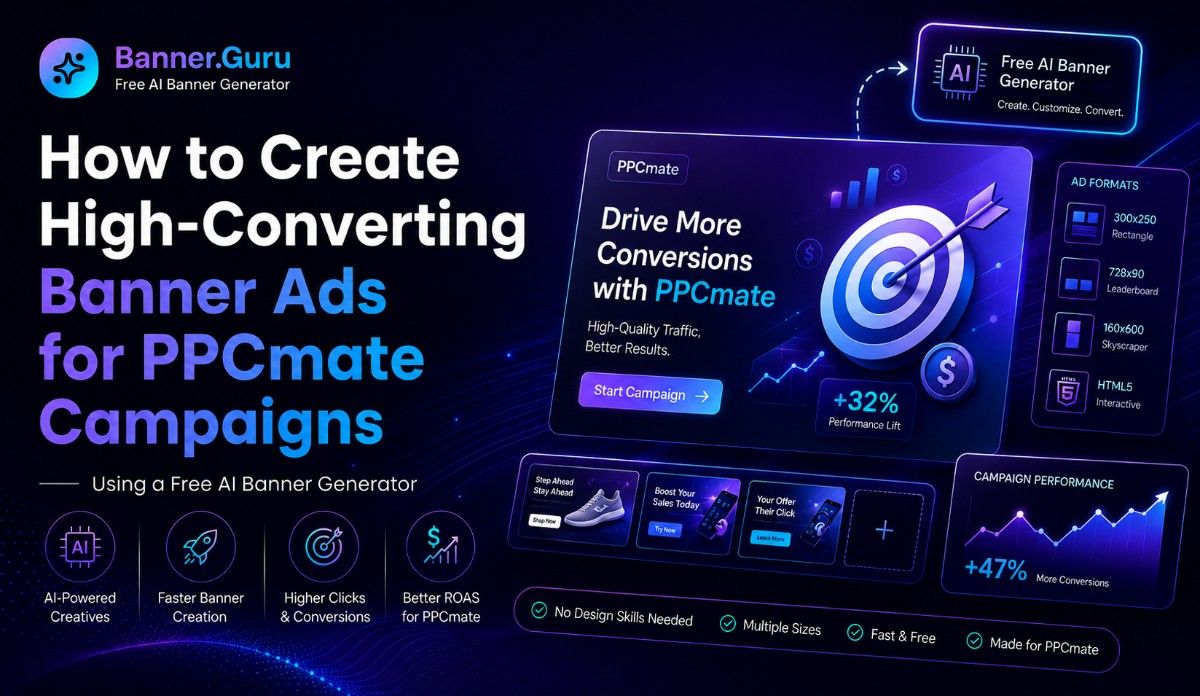
The good news is that AI creative tools now make banner production much easier. With Banner.guru, advertisers can create free AI banners, creatives, and media assets faster, then use those creatives in PPCmate campaigns for display traffic, testing, and scaling.
Why Banner Creative Matters in PPCmate Campaigns
A PPCmate campaign needs more than traffic. It needs the right message in front of the right user at the right time.
That is where creative quality matters.
When you use a self-serve ad platform like PPCmate, you control the campaign setup, audience targeting, budget, and creative testing.
But control only helps when your banner is strong enough to earn attention.
A good banner should:
- Show the offer clearly
- Match the audience’s intent
- Use simple and readable text
- Fit the ad placement
- Load fast and look clean
- Support the landing page message
- Encourage the next click
Banner.guru helps with this creative stage. It works as a free AI banner, creative, and media generator that can help you build banner ideas without starting from a blank screen.
What Makes a Banner “High-Converting”?
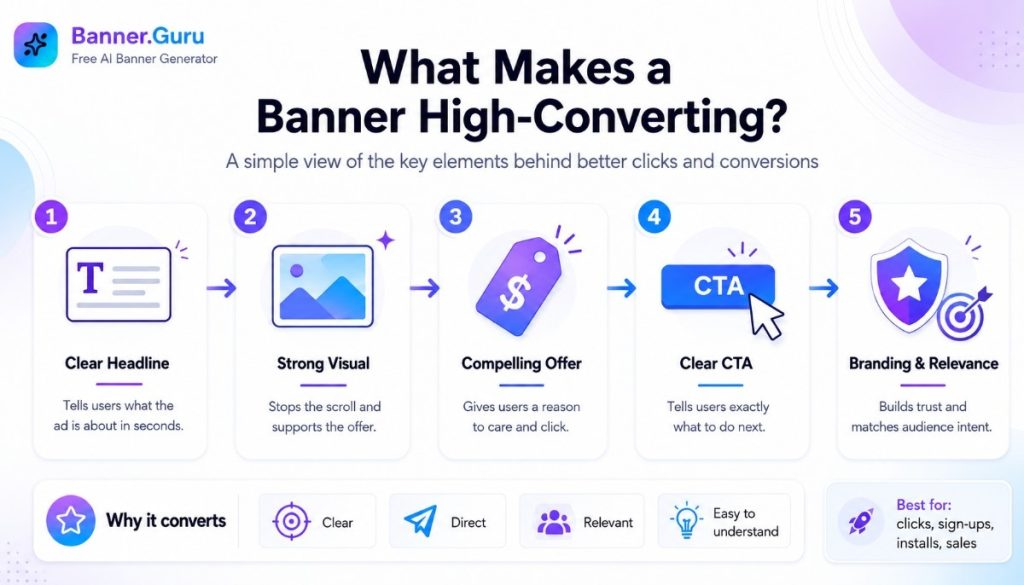
A high-converting banner is not always the most colorful or stylish ad. It is the one that gets the right users to take the next step.
For PPCmate campaigns, that next step may be:
- Visiting a landing page
- Signing up for a service
- Installing an app
- Buying a product
- Joining a newsletter
- Claiming a bonus
- Watching a video
- Returning to a website through retargeting
The best banners are clear, direct, and relevant. They do not try to say everything at once.
Core Parts of a Strong Banner
| Banner Element | Why It Matters | Simple Example |
| Main headline | Tells users what the ad is about | “Save Time on Campaign Design” |
| Visual | Stops the scroll and supports the offer | Product image, app screen, or lifestyle image |
| Offer | Gives users a reason to care | “Free Trial” or “Limited Discount” |
| CTA | Tells users what to do next | “Start Now” or “Get Access” |
| Branding | Builds trust and recognition | Logo, brand color, or product name |
Each part should support one clear message. If the user needs more than two seconds to understand your banner, the design may be too complex.
Start With the Campaign Goal First
Before using Banner.guru or uploading creatives to PPCmate, define the goal of the campaign.
This step keeps the design focused.
Ask yourself:
- What am I promoting?
- Who is the target audience?
- What problem does the offer solve?
- What action do I want users to take?
- What is the main promise of the ad?
- Is this campaign for awareness, traffic, leads, or sales?
For example, an e-commerce campaign may focus on a discount. A SaaS campaign may focus on a free trial. An affiliate campaign may focus on a benefit or urgent offer.
Banner.guru can help you create free AI banners and media assets quickly, but your prompt will work better when your campaign goal is clear.
Choose the Right Banner Format for PPCmate Display Ads
Display campaigns often depend on visual quality. Your banner must look good across devices, placements, and screen sizes.
PPCmate supports visual ad formats for display campaigns, including banners and HTML5 creatives. That makes creative preparation important before launch. When planning visual ad formats, think about how your message will appear on desktop, mobile, and tablet screens.
Common Creative Types
You may use different creative types based on your campaign needs:
- Static banner: Good for simple offers and fast testing.
- GIF banner: Useful when you want light motion.
- HTML5 creative: Good for richer and more interactive ads.
- Dynamic creative: Helpful when the message changes based on user behavior or audience type.
For many advertisers, static banners are the easiest place to start. They are simple to create, easy to test, and useful for learning which message works.
Once you know what performs, you can improve the creative with motion, variations, or HTML5 formats.
Use Banner.guru to Create Free AI Banner Ideas
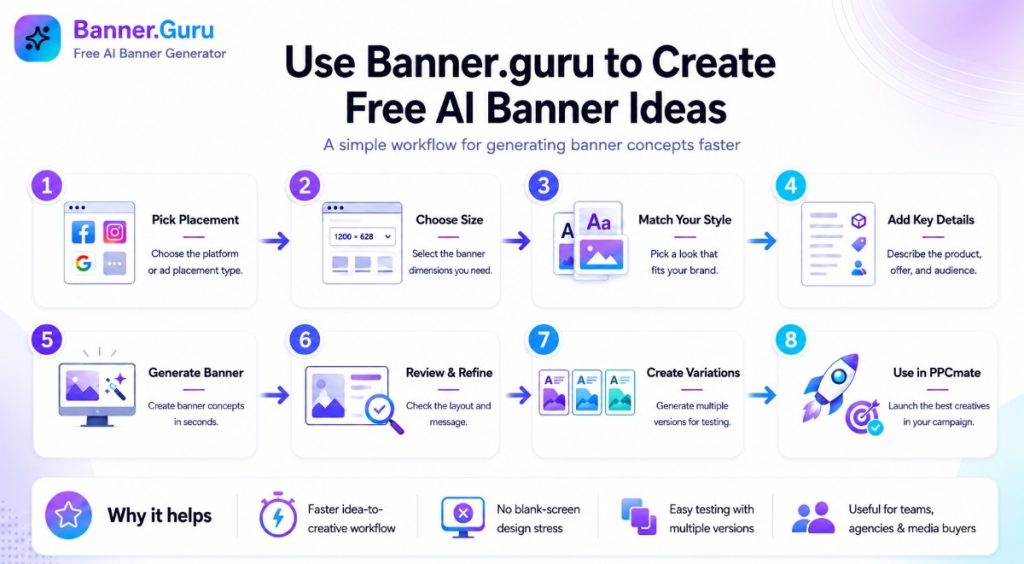
Design can slow down media buying. You may need several banner sizes, different headlines, and multiple versions for testing. Doing that manually can take hours.
Banner.guru helps solve this by acting as a free AI banner, creative, and media generator. Instead of building each banner from scratch, you can describe the ad, choose the format, and create banner concepts faster.
A good AI banner workflow looks like this:
- Pick the platform or placement type.
- Choose the banner size.
- Select a style that fits your brand.
- Describe the product, offer, and audience.
- Generate the banner.
- Review the layout and message.
- Create several variations.
- Use the best versions in your PPCmate campaign.
This process helps advertisers move from idea to creative testing much faster. It is especially useful for small teams, affiliates, agencies, and media buyers who need fresh banners often.
Write Better Prompts for AI Banner Generation
AI banner quality depends on the input. A weak prompt gives weak results. A clear prompt gives the AI better direction.
When using a free creative builder, include the key details the banner needs.
Simple Prompt Formula
Use this structure:
Product + Audience + Offer + Style + CTA + Brand Details
Here is an example:
“Create a clean banner for a project management app. Target small business owners. Highlight the benefit of saving 5 hours per week. Use a modern blue and white style. Add a CTA that says ‘Start Free.’ Include space for a logo.”
This prompt is clear because it tells the AI:
- What the product is
- Who the audience is
- What benefit to show
- What style to use
- What CTA to include
- How the brand should appear
Prompt Tips for Campaigns by Banner.guru
Use these tips when creating AI banners for PPCmate traffic:
- Keep the headline short.
- Use one main benefit.
- Avoid too many words.
- Match the landing page message.
- Mention the offer clearly.
- Use simple CTAs.
- Create different versions for testing.
- Avoid designs that look too busy on mobile.
Banner.guru can help create free AI banners and media assets, but the best results come when you guide the tool with a strong campaign brief.
Match the Banner to the Audience
A banner should feel relevant to the person seeing it.
PPCmate gives advertisers targeting options that can help reach different audience groups. But even strong targeting needs matching creative.
For example, a banner for mobile app installs should look different from a banner for B2B software. A banner for travel deals should feel different from one for finance or e-commerce.
Creative Matching Examples
| Campaign Type | Audience Need | Banner Message Angle |
| E-commerce | Better price or better product | Discount, new arrival, limited deal |
| SaaS | Save time or improve work | Free trial, workflow benefit, automation |
| App install | Quick value and simple action | Install now, play now, start tracking |
| Lead generation | Trust and easy next step | Free quote, free guide, expert help |
| Retargeting | Reminder or return reason | Come back, finish signup, claim offer |
Banner.guru is useful here because you can create different free AI banner variations for each audience type. This makes it easier to test which angle works best.
Keep the Message Short and Clear
Banner ads do not give you much space. Users may only glance at your ad for a moment.
That means your message must be easy to understand.
A simple structure works best:
- Headline: What is the main benefit?
- Subtext: What makes it useful or urgent?
- CTA: What should the user do next?
For example:
Headline: Create Better Ad Banners
Subtext: Free AI creative generator
CTA: Start Designing
This is clear. It explains the benefit, the tool, and the action.
Avoid writing long sentences inside the banner. Save details for the landing page.
Design for Mobile and Desktop
PPCmate campaigns can reach users across devices, so your banner should work on different screen sizes.
A design that looks great on desktop may be hard to read on mobile. Small text, thin fonts, and crowded visuals can reduce performance.
Mobile-Friendly Banner Tips
- Use large, readable text.
- Keep the CTA button visible.
- Avoid too many objects.
- Leave space around the main message.
- Use strong contrast between text and background.
- Make the logo clear but not oversized.
- Test square, horizontal, and vertical formats.
Banner.guru can help you create multiple free AI creative sizes, which is useful when preparing assets for different placements and devices.
Build Variations Before Launch
One banner is not enough for serious testing.
You need variations because users respond to different messages, images, and CTAs. Even small changes can affect performance.
Create at least three to five versions before starting your PPCmate campaign.
Variations to Test
Try changing:
- Headline
- CTA wording
- Background image
- Product image
- Color style
- Offer angle
- Button placement
- Logo position
- Audience message
For example, one banner can focus on price. Another can focus on speed. A third can focus on trust.
Banner.guru makes this process easier because you can generate free AI banner and media variations faster than creating each one manually.
Connect Banner Design With Landing Page Message
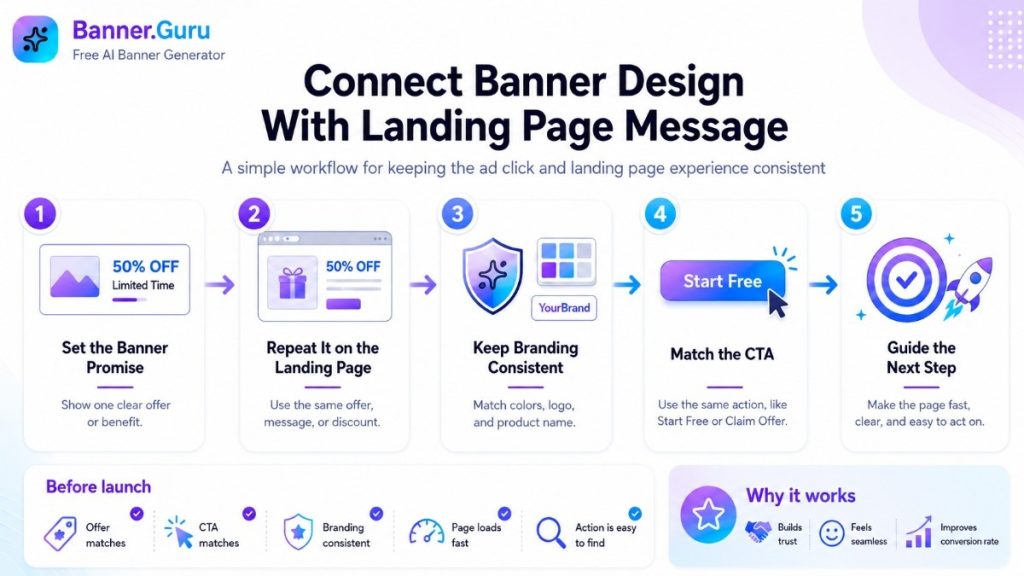
Your banner should not feel separate from your landing page. The message should continue smoothly after the click.
If the banner says “Start Free,” the landing page should quickly show the free signup option. If the banner promotes a discount, the landing page should repeat the same discount.
This improves user trust.
Check These Before Launch
Before running traffic, compare your banner and landing page:
- Does the offer match?
- Is the CTA the same or similar?
- Are the colors and branding consistent?
- Is the product name clear?
- Is the landing page fast?
- Is the next action easy to find?
When the banner and landing page match, users feel they are in the right place. That can support better conversion rates.
Set Up the Campaign and Test Creatives in PPCmate
After creating your banners with Banner.guru, the next step is campaign setup.
Inside PPCmate, advertisers can run campaigns, manage budgets, choose targeting, and optimize based on performance. For display ads, creative testing is important because the first banner is not always the winner.
Basic Testing Workflow
Follow this simple process:
- Create several banner variations with Banner.guru.
- Group creatives by message angle.
- Upload the selected banners to your PPCmate campaign.
- Choose targeting that fits the offer.
- Start with a controlled budget.
- Track impressions, clicks, CTR, and conversions.
- Pause weak creatives.
- Scale the banners that perform best.
Do not judge a banner too early. Give each version enough data before making decisions.
Track the Right Performance Metrics
High-converting banners should be judged by results, not personal taste.
A banner may look beautiful but fail to drive clicks. Another banner may look simple but convert well. That is why tracking matters.
Metrics to Watch
Focus on these numbers:
- Impressions: How many times the ad was shown.
- CTR: How many people clicked after seeing it.
- CPC or CPM cost: How much you pay for traffic.
- Conversions: How many users took the target action.
- CPA: How much each conversion costs.
- Conversion rate: How well the landing page turns clicks into actions.
- Frequency: How often the same user sees the ad.
If CTR is low, the creative may not be attractive or clear enough.
If CTR is high but conversions are low, the landing page or offer may need work.
If conversions are strong but volume is low, you may need broader targeting, more budget, or more creative variations.
Optimize Banners Based on Real Data
Creative testing should be a cycle, not a one-time task.
After your PPCmate campaign collects data, review the winning and losing banners. Look for patterns.
Ask:
- Which headline got more clicks?
- Which image style worked best?
- Which CTA drove better action?
- Which audience responded most?
- Which device performed better?
- Which banner had high clicks but low conversions?
Then use Banner.guru to create improved versions based on what you learned.
For example, if banners with a product image perform better than abstract designs, create more product-focused variations. If “Get Started” performs better than “Learn More,” use stronger action CTAs in the next batch.
This is how AI banner generation and programmatic campaign testing work well together. Banner.guru helps you create free AI creatives quickly, while PPCmate helps you test those creatives in real campaign environments.
Common Banner Mistakes to Avoid
Even experienced advertisers make creative mistakes.
Here are the most common ones:
- Using too much text
- Hiding the CTA
- Making the logo too small or too large
- Using low-quality images
- Choosing colors with poor contrast
- Promising something the landing page does not deliver
- Using one banner for every audience
- Ignoring mobile readability
- Not testing enough variations
- Changing too many campaign settings at once
The goal is not to create a perfect banner on the first try. The goal is to create clear, testable, and relevant banners that can improve over time.
Ready to Create Better Banners with Banner.guru?
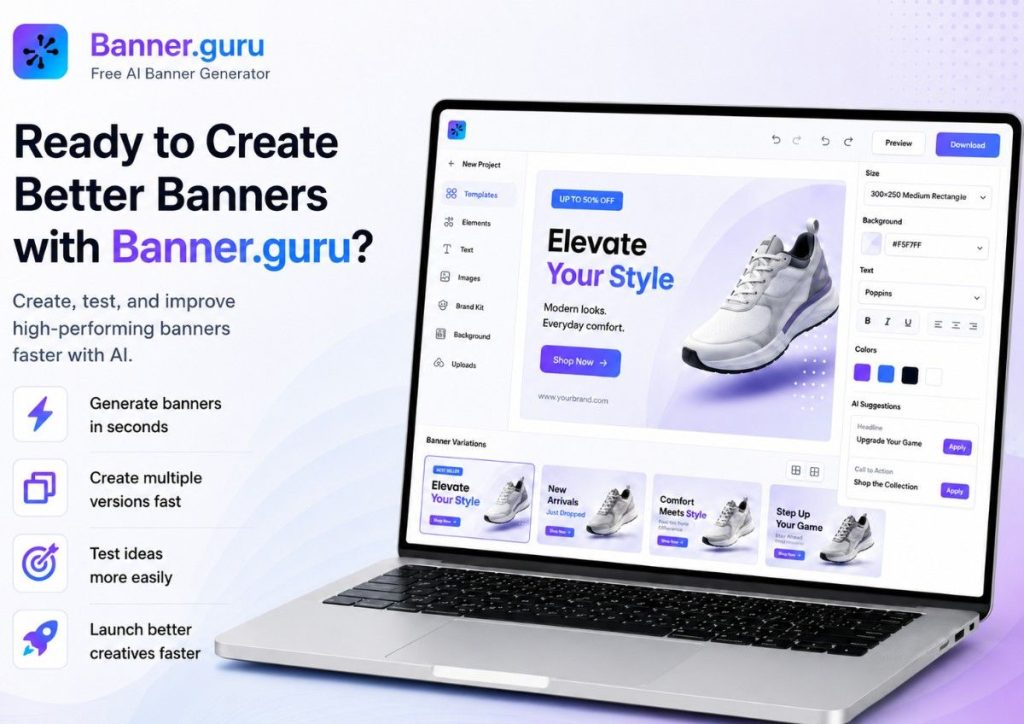
If you want better display campaign performance, start with better creative. Use Banner.guru as a free AI banner, creative, and media generator to create clear, fast, and campaign-ready banner variations.
Better banners do not happen by accident. Create them, test them, improve them, and let your campaign data show what works.