

If you are searching for a Voluum DSP alternative, you are probably an affiliate or media buyer who wants to keep buying programmatic traffic while tracking it properly. The best choice is not a brand name; it is the platform that fits your offers, your budget and your tracking setup. This guide explains how to choose a DSP for affiliate traffic, what to test before scaling, and how to keep your tracker at the center of your workflow.
Start with what Voluum is today
On its own website, Voluum describes itself as a tracking and attribution platform, “the complete tracking system for running profitable ad campaigns” (voluum.com). Its pages list tracking for native, display, pop, email, search, push, social and video campaigns, and integrations with traffic sources such as Google Ads, Meta, TikTok, Taboola and Outbrain. In other words, whatever you decide about buying traffic, Voluum’s public positioning is as the tool that measures it. Many buyers use a tracker like this alongside one or more traffic sources, and that pairing is the right way to think about any DSP decision.
So the real question is: which traffic source should send clicks into your tracker?
What a DSP actually does for an affiliate
A demand-side platform lets you bid for ad impressions across many publishers and supply partners from one account. For affiliate marketers the practical value is simple: access to volume in the geos and formats your offers convert in, enough targeting to cut waste, and data you can trust when you decide which sources to keep.
A tracker sits next to the DSP. The DSP buys and delivers the impression and click; the tracker records the click, routes it to a lander and offer, and receives the conversion from the affiliate network. The DSP then needs that conversion back (via postback) to optimize or to let you judge sources.
Criteria for choosing a DSP for affiliate traffic
| Criterion | Why it matters | Questions to ask |
|---|---|---|
| Ad formats | Offers convert differently on pop, push, native, display and video | Does it offer the formats your vertical needs? |
| Geo coverage and volume | No volume in your geo means no test | Can you see available traffic per country before spending? |
| Targeting | Cuts wasted spend on wrong devices or carriers | Country, device, OS, browser, connection type, schedule? |
| Source-level control | Affiliate profit comes from cutting bad placements | Can you see and block individual sources or placements? |
| Tracker integration | Your tracker is your source of truth | Click URL macros, postback URL, click ID passing? |
| Traffic quality | Bots burn budget and skew data | What fraud filtering is used, and what happens to invalid clicks? |
| Minimum deposit and payment | Small budgets need a low entry point | Minimum deposit, payment methods, refund terms? |
| Self-serve vs managed | Experienced buyers want control; newcomers may want help | Can you run it yourself, and is help available? |
| Automation and API | Saves time when you run many campaigns | Rules, bulk edits, API access? |
| Support and compliance | Rejected creatives and policy issues stall campaigns | How fast are approvals, and are the rules clear? |
How to test a new DSP without wasting budget
- Pick one proven offer. Test the platform, not a new offer. Use something that already converts elsewhere.
- Set up tracking first. Create the traffic source in your tracker, add the click ID and source macros to the click URL, and paste the tracker’s postback into the DSP if it supports one.
- Send a test click. Click your own campaign URL and confirm the tracker logs it with every macro filled in, not as literal placeholder text.
- Fire a test conversion. Trigger the postback manually and confirm it shows on both sides.
- Start narrow. One geo, one format, one device type. Wide campaigns hide which slice is losing money.
- Set a test budget and a stop rule. Decide in advance how much you will spend per source before blocking it, based on your offer payout.
- Cut by source. After enough data, block placements with clicks but no conversions, and raise bids where ROI is positive.
- Compare discrepancy. Check DSP clicks against tracker clicks per source. A large or uneven gap points to bot traffic or a setup error.
- Scale slowly. Increase budget or add geos one step at a time so you can see what changed.
Where PPCmate fits
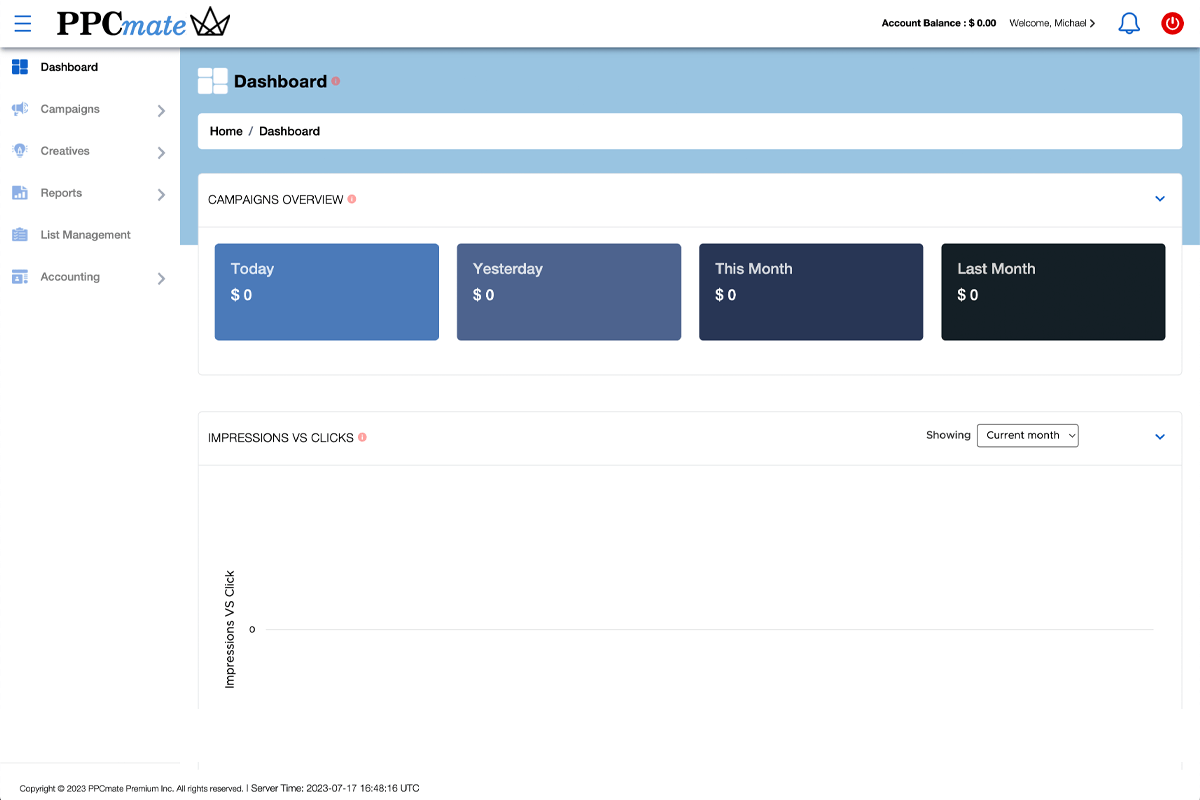
PPCmate is one option to include in that test. According to its homepage FAQ, it supports native, display, push, pop-under and video ads, offers both self-serve and managed options, lets advertisers target by country/region, device type, OS, browser and connection type, and requires a minimum deposit of $25 to start. Apply the same checklist above: confirm your tracker’s macros and postback work, start narrow, and judge it on source-level results in your own tracker.
Reading the results: what to look at after the first week
Once a test has run long enough to collect meaningful data, review it in your tracker in a fixed order. This keeps you from reacting to the single most dramatic number on the screen.
Cost per conversion by source
Sort sources or placements by spend and look at cost per conversion against your payout. Sources with spend above your stop-rule threshold and no conversions are candidates for blocking. Sources with a few conversions at a profitable cost deserve more budget, but keep watching them, as early winners often regress.
Click discrepancy by source
Compare clicks reported by the DSP with clicks recorded by your tracker for each source. A small, steady gap is normal because of redirects and page load. A gap that is much larger for a few sources than for the rest is a strong hint of low-quality or automated traffic, even if those sources show some conversions.
Lander engagement
If your tracker records lander clicks (the click from pre-lander to offer), use it as an early signal. Sources where almost nobody clicks through the lander rarely convert later, and you can cut them before spending the full test budget.
Device, OS and connection type
Break results down by the targeting dimensions you can control. If one OS or connection type carries most of the losses, exclude it in the campaign targeting instead of blocking dozens of placements one by one.
Time of day
For offers with call centres or limited support hours, conversions may cluster at certain hours. Day-parting can lift ROI without changing anything else.
Write down what you changed and when. If results move a week later, you will want to know whether it was your edit or a change in the traffic.
Running more than one traffic source
Most experienced buyers do not depend on a single source. Running two or three platforms side by side, all reporting into the same tracker, gives you a fair comparison of cost per conversion on the same offer and protects you if one source changes its policies, prices or volume. Your tracker makes this easy because it normalizes the data: a conversion is a conversion regardless of where the click was bought.
Common mistakes when switching DSPs
- Copying campaign settings blindly. Bids, sources and volume differ by platform; rebuild from a small test.
- Skipping the postback. Without conversions flowing back, you are optimizing on clicks.
- Using the wrong macro syntax. Each platform has its own placeholders. Copy them from that platform’s documentation.
- Testing too many variables at once. New platform, new offer and new creative together tell you nothing.
- Judging too early. A handful of conversions is noise. Set a minimum spend per source before deciding.
- Ignoring traffic quality signals. High CTR with zero engagement on the lander is a warning, not a win.
FAQ
Do I still need a tracker if the DSP has its own reports?
For affiliate campaigns, yes. A tracker gives you one consistent view across all traffic sources, lander and offer rotation, and conversion data from your affiliate networks.
What formats work best for affiliate offers?
It depends on the vertical. Pop-under and push are common for broad, high-volume offers; native and display suit content-led funnels. Test the format your offer’s audience already responds to.
How much should I spend on a first test?
Base it on your payout: enough to buy several potential conversions per source you want to judge. Start with one geo and format so the budget is not spread thin.
How do I connect a DSP to my tracker?
Create the traffic source in the tracker with the DSP’s macros, use the tracker’s campaign URL as the ad’s click URL, and add the tracker’s postback in the DSP if supported. Then send a test click and conversion.