HTML5 Ads
Bring Your Banners to Life with Animated, Interactive HTML5 Creatives.
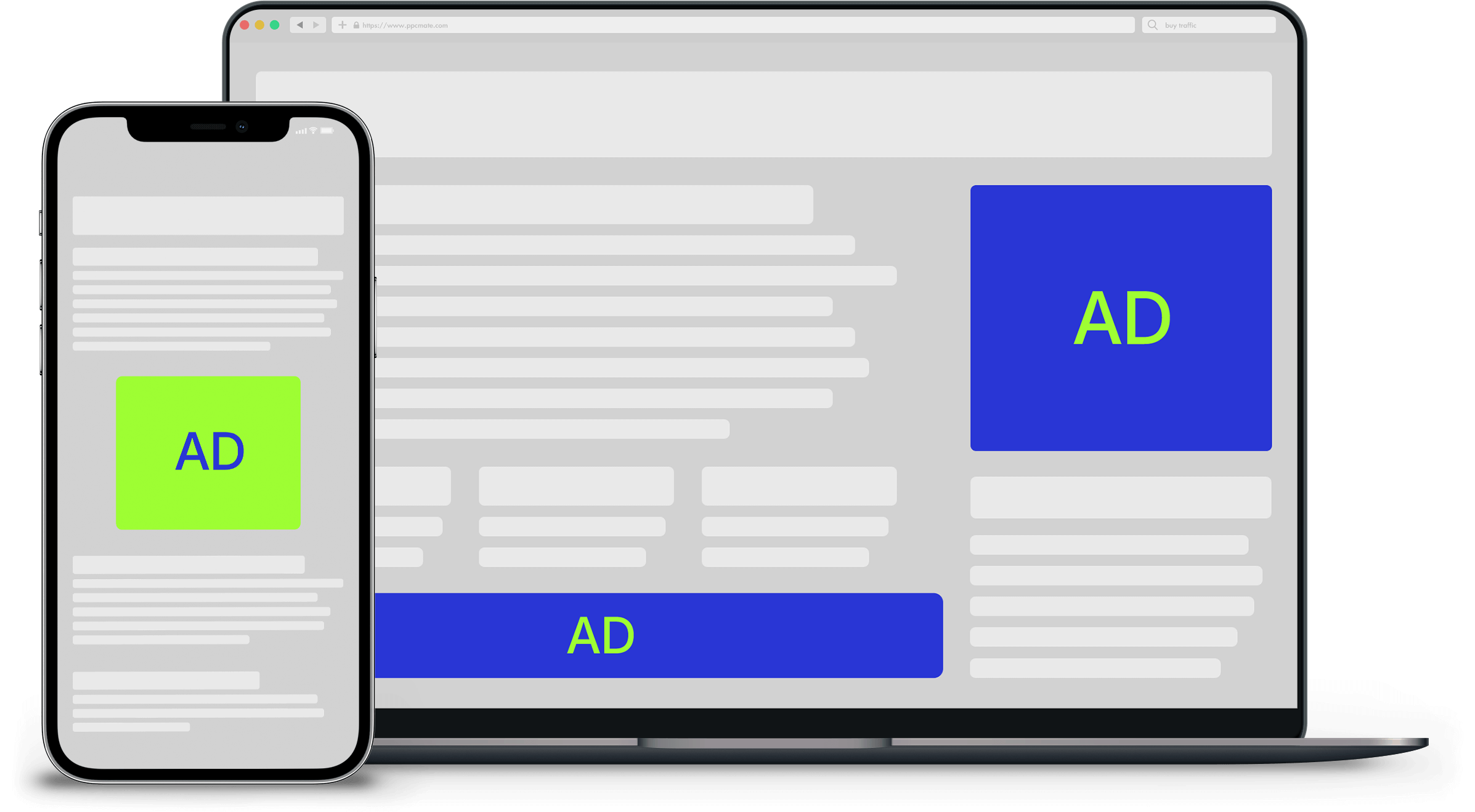
Creative
HTML5 Ad Code
Performance
Wide Reach
Devices
Desktop, Mobile, Tablet
Conversion Rate
Variable
User Engagement
High
User Experience
Animated & Interactive
Origins and Evolution
In the 2000s, rich and animated banners were built in Adobe Flash. That changed when smartphones arrived: the iPhone never supported Flash, so a growing share of users could no longer see those ads.
The industry moved to HTML5, which became an official W3C standard in 2014. HTML5 banners use the same open technologies as the web itself (HTML, CSS and JavaScript), so they run in every modern browser on desktop, mobile and tablet.
When Adobe ended support for Flash at the end of 2020, HTML5 became the standard for animated and interactive display advertising.
How HTML5 Ads Work
An HTML5 ad is a small web page that runs inside a banner slot. Instead of a single image, it can animate, rotate products, show several messages in sequence, and react when people hover or tap.
On PPCmate you create an HTML5 creative, choose a banner size, and paste your ad code. You can build it with tools like Google Web Designer or Adobe Animate, or use a tag from your ad server.
HTML5 creatives run on our display inventory with real-time bidding, so each impression goes to the highest relevant bid. You pay per thousand impressions (CPM) and can optimize for clicks (CTR) or conversions (CPA).
Supported sizes: 300×250, 336×280, 728×90, 970×90, 970×250, 300×600, 160×600, 120×600, 320×100, 320×50 and 300×50.

Stand Out with HTML5 Ads
Motion catches the eye. HTML5 ads let you tell a short story in one banner: show the product, the offer and the call to action in sequence, on every device. They are ideal for launches, promotions and brand campaigns where a static image is not enough.
Increase Website Traffic
Maximize Affiliate Earnings
Boost YouTube Videos
Boost Mobile App Installs
Boost E-Commerce Sales
Elevate Brand Recognition
Improve SEO Performance
Enhance Social Media Impact
Dominate Niche Markets
HTML5 Targeting Options
Precise targeting capabilities to reach specific audiences based on location, device, interests, and more, maximizing ad relevance and impact.

Targeting by
Locations
Targeting by
Devices
Targeting by
Operating Systems
Targeting by
Languages
Targeting by
Connections
Targeting by
IP Addresses
Targeting by
IAB Categories
Targeting by
Websites
Targeting by
Apps
Targeting by
Sources
Targeting by
Supply Partners
Targeting by
Whitelists
HTML5 Optimization Tools
Advanced tools to track, optimize, and control ad delivery, enhancing performance while minimizing ad waste.

Conversion
Tracking
Ad Fraud
Detection
Frequency
Capping
Automatic
Optimizations
Delivery
Types
Traffic
Dayparting
Campaign
Flight Dates
Traffic Data
Export
Frequently Asked Questions
What are HTML5 ads?
HTML5 ads are display banners built with HTML, CSS and JavaScript instead of a single image. They can include animation, multiple frames and interactive elements, and they run in every modern browser.
How are HTML5 ads different from regular display ads?
A regular display ad is a static image. An HTML5 ad can move, change messages and respond to the user, which usually makes it more noticeable, while it runs in the same banner slots.
Which banner sizes can I use?
300×250, 336×280, 728×90, 970×90, 970×250, 300×600, 160×600, 120×600, 320×100, 320×50 and 300×50. The 300×250, 728×90 and 320×50 sizes usually have the most inventory.
How do I create an HTML5 ad on PPCmate?
Create a new creative, choose the HTML5 format, pick a size and paste your ad code. You can build the ad in Google Web Designer or Adobe Animate, or use a third-party ad server tag.
How much do HTML5 ads cost?
HTML5 ads are bought on a CPM basis, so you pay per thousand impressions. You set your bid and your daily and total budgets, and you only spend from your PPCmate balance.
Do HTML5 ads work on mobile?
Yes. HTML5 runs in all modern mobile browsers, and sizes like 320×50, 320×100 and 300×250 are made for phones. Keep your files light so the ad loads quickly on mobile connections.
How do you protect HTML5 campaigns from fraud?
Traffic is filtered for fraud before you buy it, and sites are checked for brand safety. Every campaign gets a Quality Receipt that shows where your ads ran and what was blocked.
How do I measure HTML5 ad performance?
Real-time reports show impressions, clicks, spend and conversions by campaign and placement. Add a pixel or postback to track conversions and optimize for CPA.
Turn Global Visibility Into Real Growth with PPCmate!
Get started by creating a PPCmate X account.
Set up and launch an ad campaign easily.
Automatically optimize for better results.