ChatGPT Ads: Advertise on ChatGPT With PPCmate
Reach Customers Inside the Conversations Shaping Their Next Decision
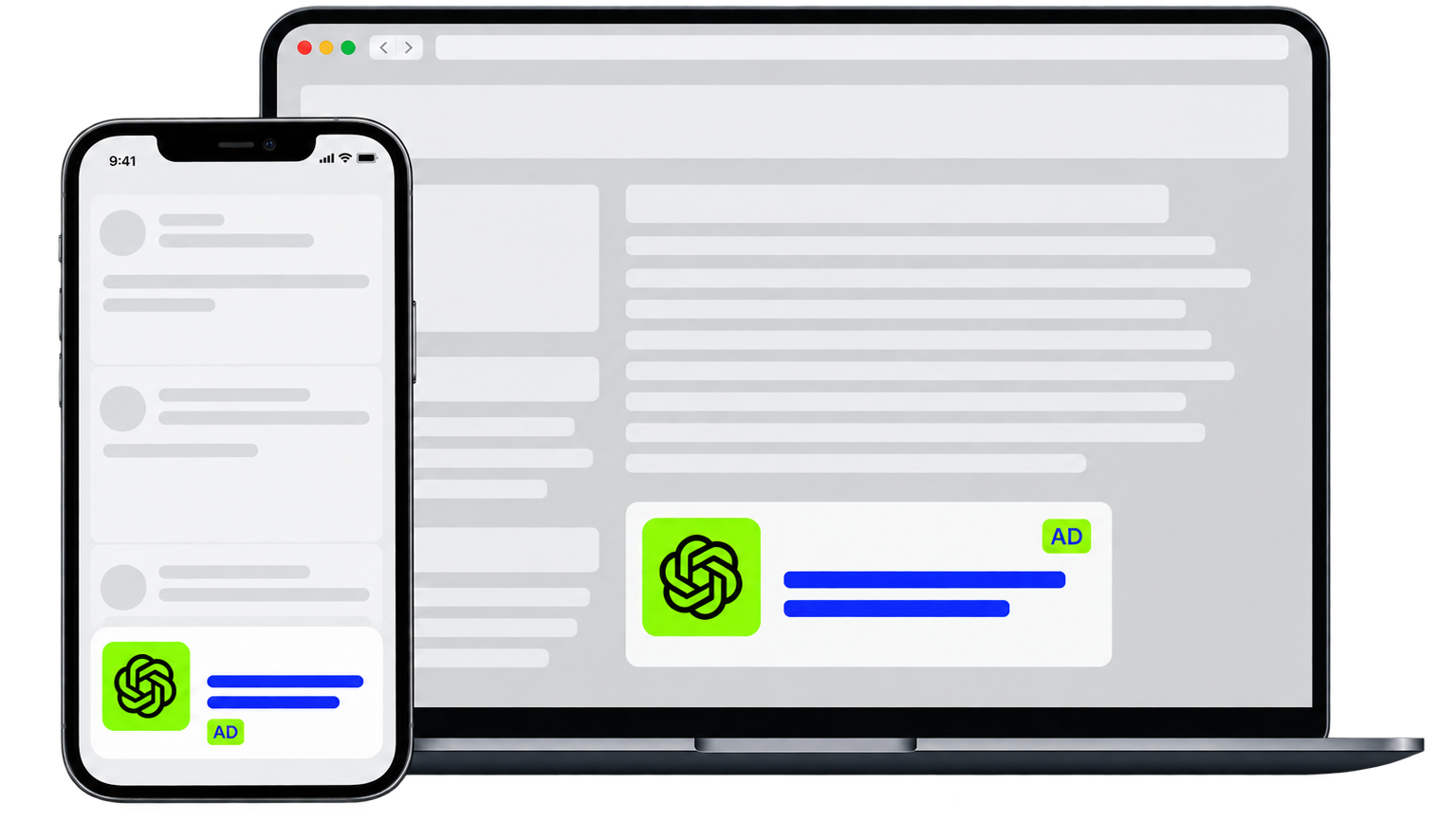
Creative
Title, Image, Link
Placement
Inside ChatGPT
Platforms
Web, iOS & Android
Relevance
Context
Measurement
Pixel & API
Audiences
Custom Audiences
ChatGPT Advertising Built for the AI Era
Search advertising connects brands with searches. Social advertising connects brands with interests. ChatGPT Ads connect brands with conversations and intent. Instead of relying only on keywords or traditional placements, ads in ChatGPT can appear when your product or service is relevant to what a user is currently exploring. Ads remain separate from ChatGPT’s answers and are clearly presented as sponsored content. With PPCmate, you can advertise on ChatGPT from the same DSP you already use to manage your digital campaigns.
How ChatGPT Ads Work
A user starts a conversation with ChatGPT. ChatGPT understands the context, needs, and intent behind the conversation. When an eligible ChatGPT ad is relevant, a sponsored ad can appear below the ChatGPT response. The user can then interact with the advertisement and visit the advertiser’s landing page. Advertisers do not receive users’ private ChatGPT conversations. Ads are separate from ChatGPT answers and do not influence the answers users receive.
Why Advertise on ChatGPT
ChatGPT is increasingly part of how people research products, compare options, solve problems, plan purchases, and discover new services. Advertising on ChatGPT gives brands an opportunity to become part of that discovery journey at a moment when their offering may be genuinely useful.
Capture Active Intent
Introduce Your Brand
Drive Qualified Traffic
Generate Conversions
Increase Product Discovery
Expand Beyond Search & Social
ChatGPT Ads Targeting Options
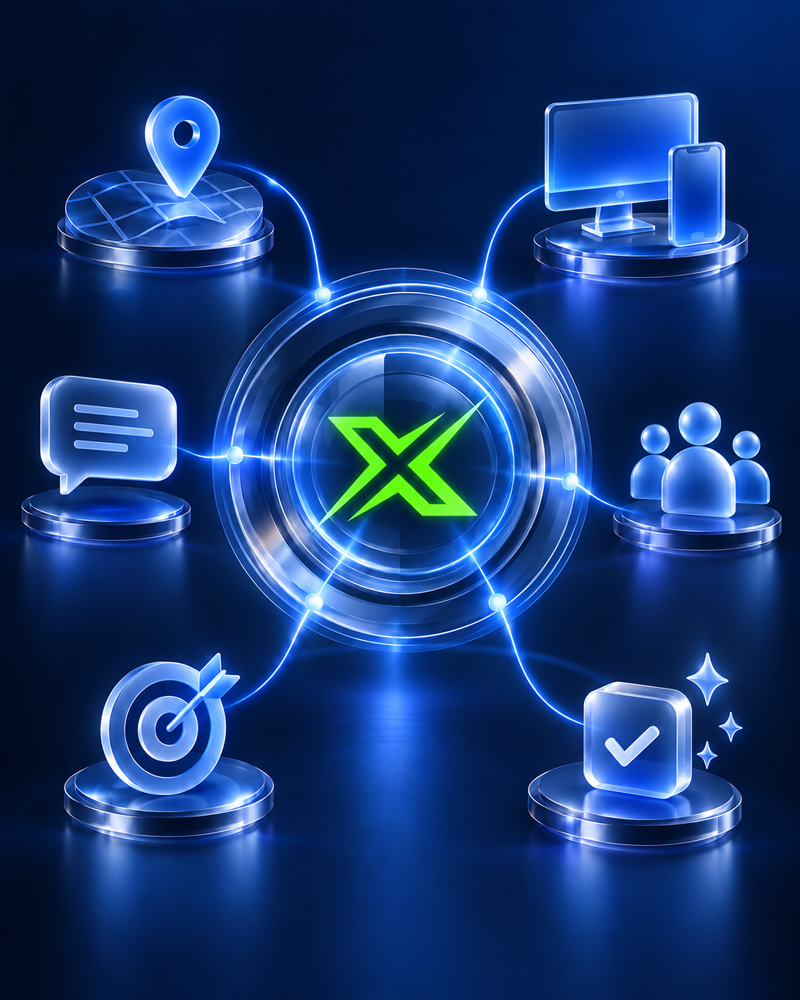
Build campaigns around the audiences, locations, platforms, and conversational contexts that matter to your business.
Targeting by
Locations
Targeting by
Platforms
Targeting by
Context Hints
Targeting by
Custom Audiences
Targeting by
Campaign Objective
Targeting by
Conversion Events
Who ChatGPT Ads Work For
ChatGPT Ads can support campaigns across many industries and business goals.

E-Commerce
SaaS
Lead Generation
Mobile Apps
Services
Brand Awareness
Frequently Asked Questions
What are ChatGPT Ads?
ChatGPT Ads are sponsored advertisements that can appear within the ChatGPT experience when an ad is relevant to an eligible user’s conversation or journey.
How do I advertise on ChatGPT?
Create your PPCmate account, select ChatGPT Ads as your channel, then create and launch your campaign. You manage it from the PPCmate DSP alongside your other channels.
How much do ChatGPT ads cost?
ChatGPT Ads currently support CPM, CPC, and conversion-optimized CPC (oCPC) campaign objectives. With oCPC, billing remains based on valid clicks.
Where do ChatGPT Ads appear?
Ads can appear below ChatGPT responses on Web, iOS, and Android, and are presented separately from the answer itself.
Are ChatGPT Ads part of ChatGPT’s answers?
No. Advertising is separate from ChatGPT’s answers and does not influence the responses ChatGPT provides.
Can advertisers see users’ ChatGPT conversations?
No. User conversations remain private from advertisers, and OpenAI states that user data is not sold to advertisers.
How are ChatGPT Ads targeted?
Campaigns can use available geographic targeting, platform targeting, custom audiences, campaign objectives, and context hints describing situations where your product or service may be useful.
Are context hints the same as keywords?
No. Context hints describe relevant products, needs, topics, and use cases. They are not exact-match keyword controls and do not guarantee delivery for a specific conversation.
Can ChatGPT Ads optimize for conversions?
Yes. Eligible oCPC campaigns can optimize toward supported conversion events such as purchases, registrations, or lead submissions, measured with pixel and API.
What creative do ChatGPT ads need?
An advertiser name, brand icon, title, description, landing page, and image. OpenAI currently supports square PNG or JPG images up to 1200 × 1200 pixels, titles up to 50 characters, and descriptions up to 100 characters.
Who can see ChatGPT Ads?
Ads may currently appear to eligible users on ChatGPT Free and Go plans. OpenAI does not show ads to Plus, Pro, Business, Enterprise, or Edu accounts, or to users identified as under 18.
Are ChatGPT ads worth it?
ChatGPT Ads reach people while they research products, compare options, and plan purchases, a channel beyond search and social. Availability still varies by advertiser country, market, account eligibility, and campaign capabilities.
Advertise on ChatGPT in 3 Easy Steps
Create your PPCmate account.
Select ChatGPT Ads as your channel.
Create and launch your ChatGPT ad campaign.